Client ready designsin secs,not weeks
Ten AI studios in one workspace. Restyle rooms, refresh facades, landscape gardens, empty and stage properties, turn sketches and floor plans into photoreal renders — then animate any of it into video your clients can react to on the spot.
3 free credits · No credit card · 10 tools included






One photo in. A finished direction out.
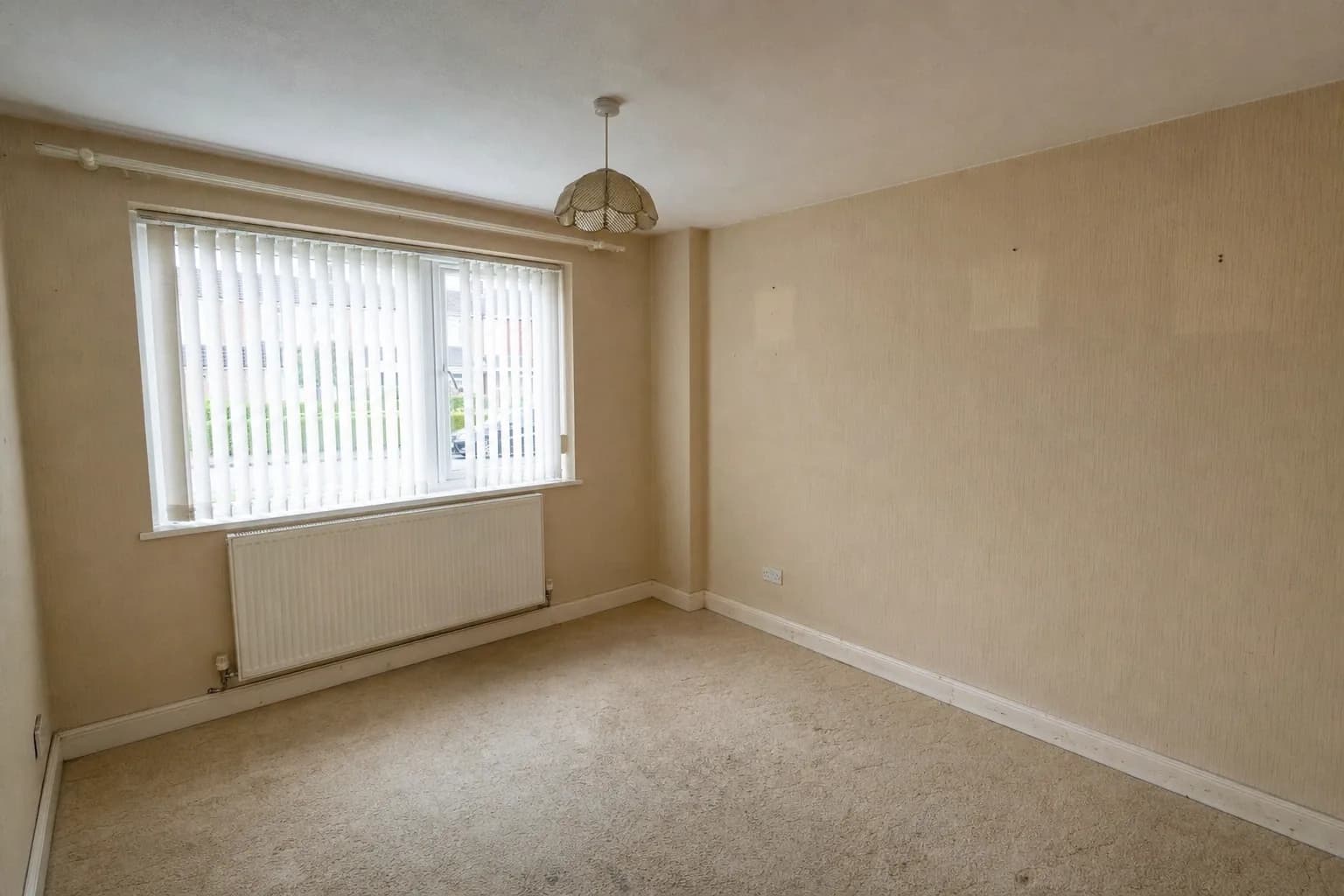
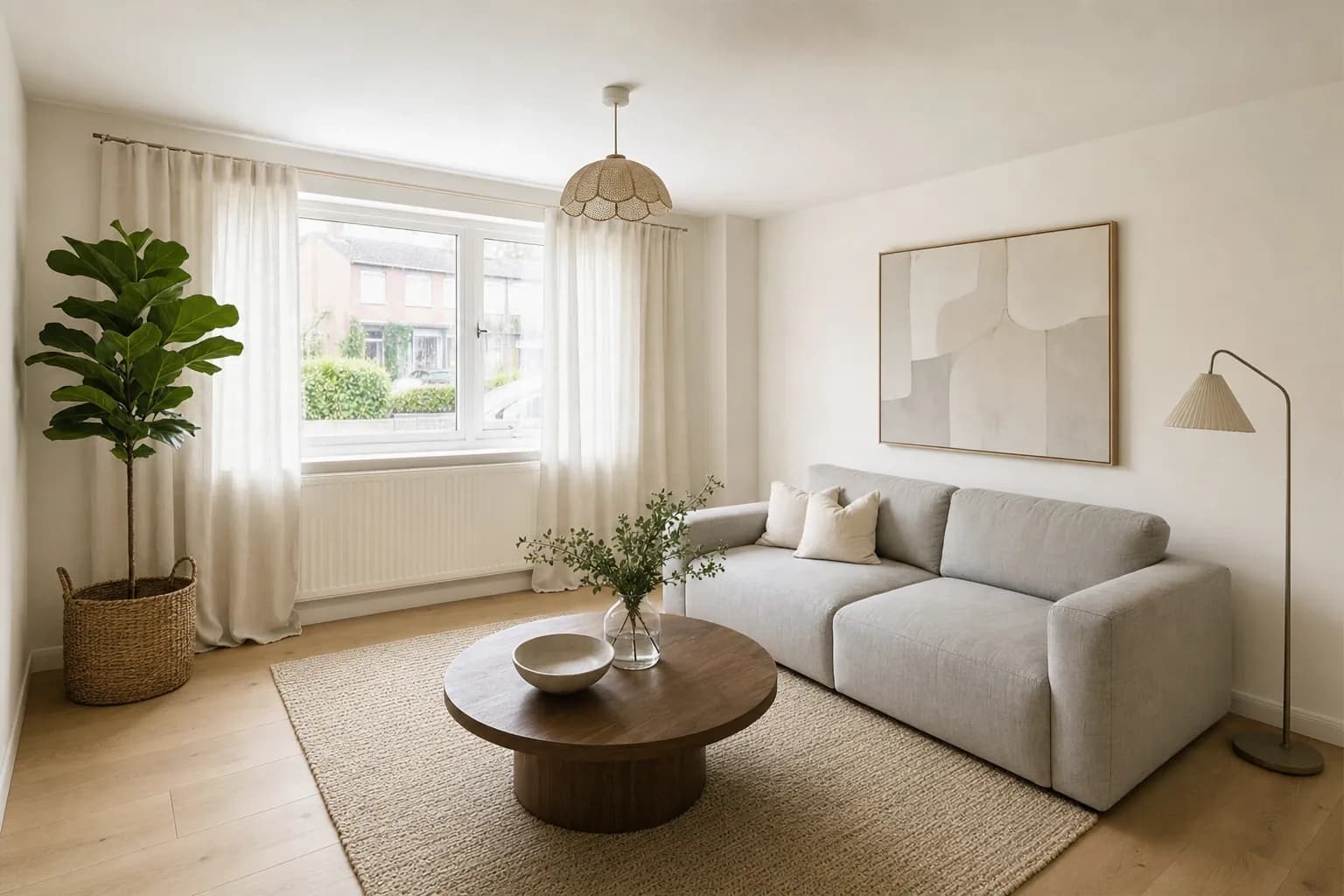
Interior Redesign
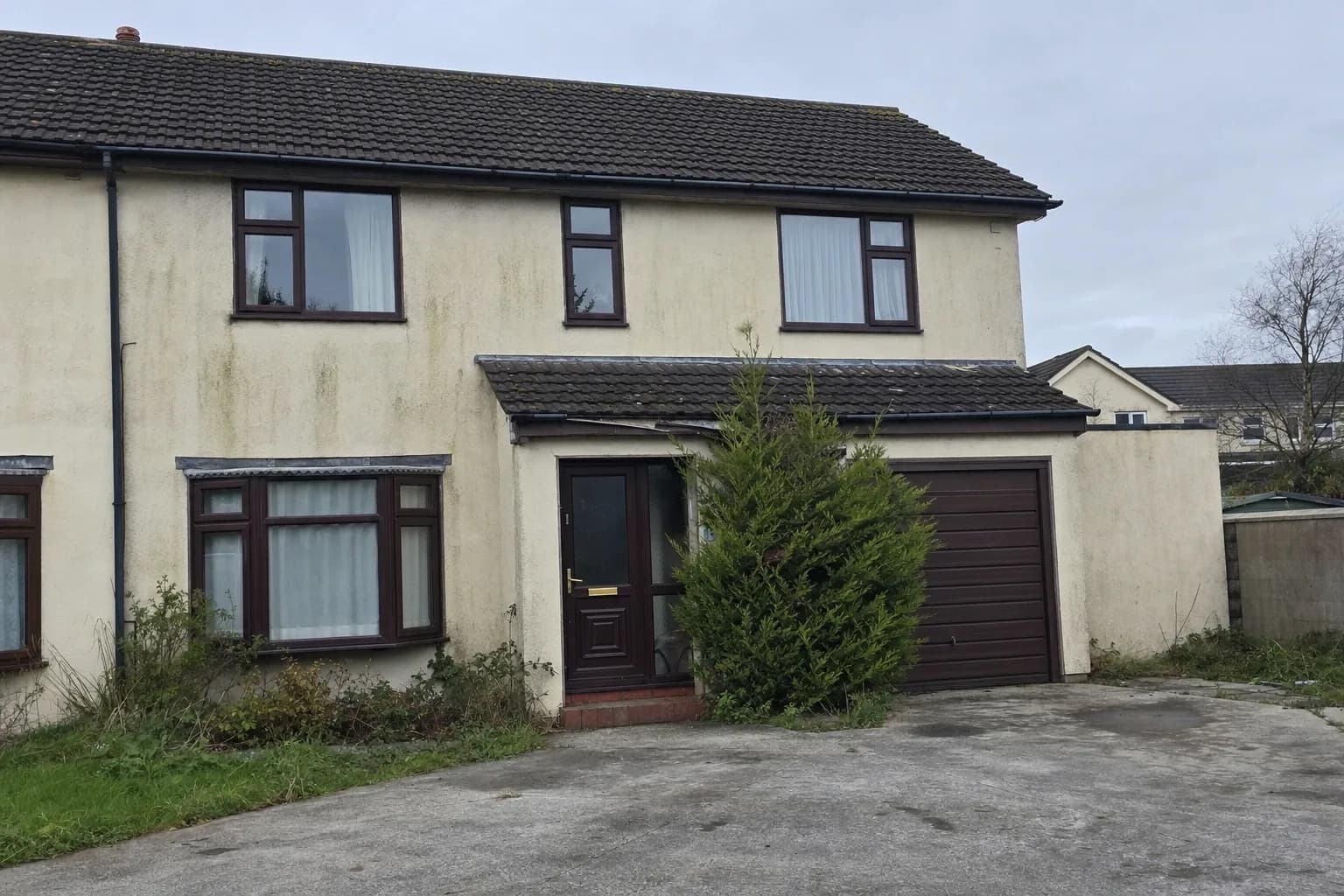
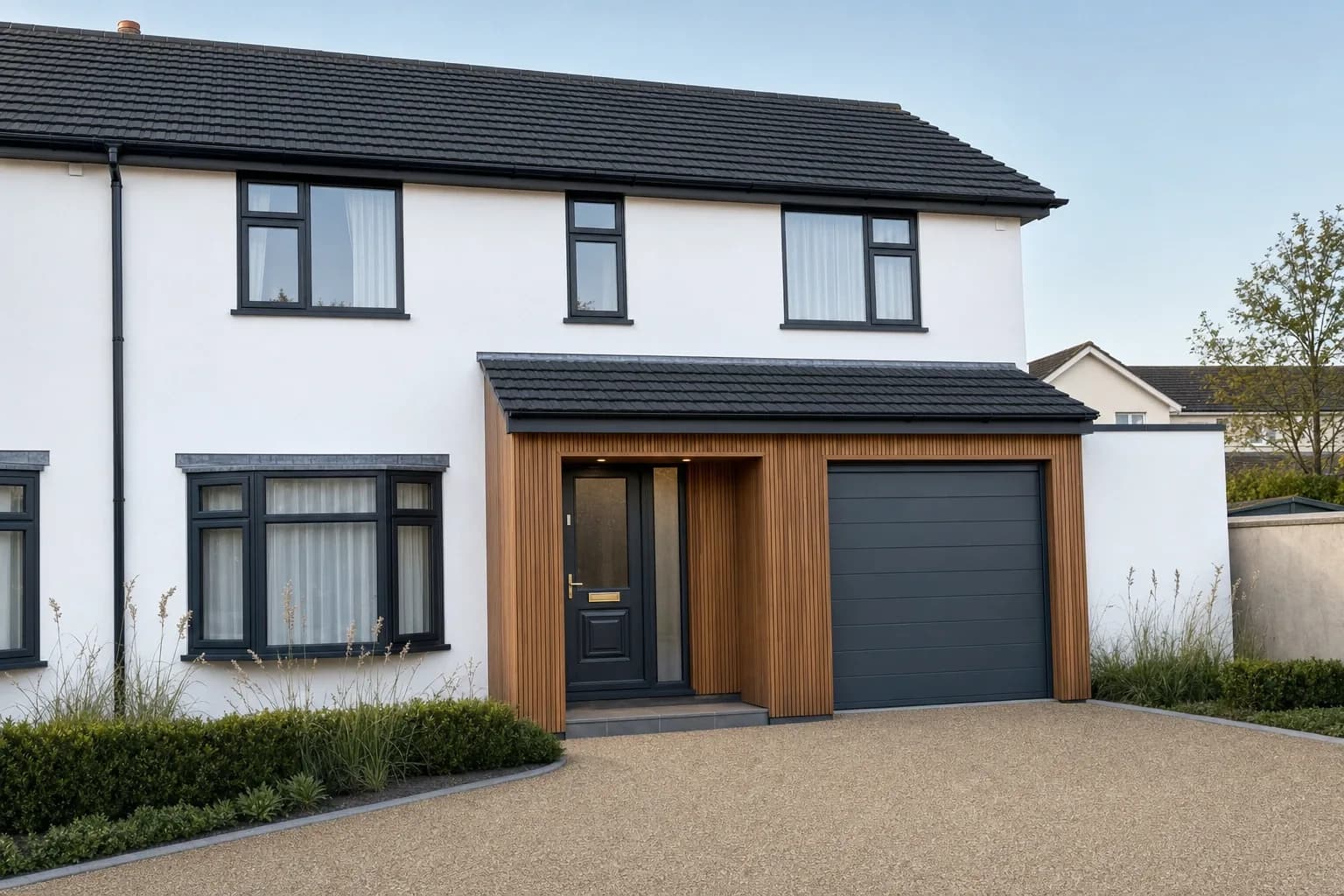
Exterior Redesign
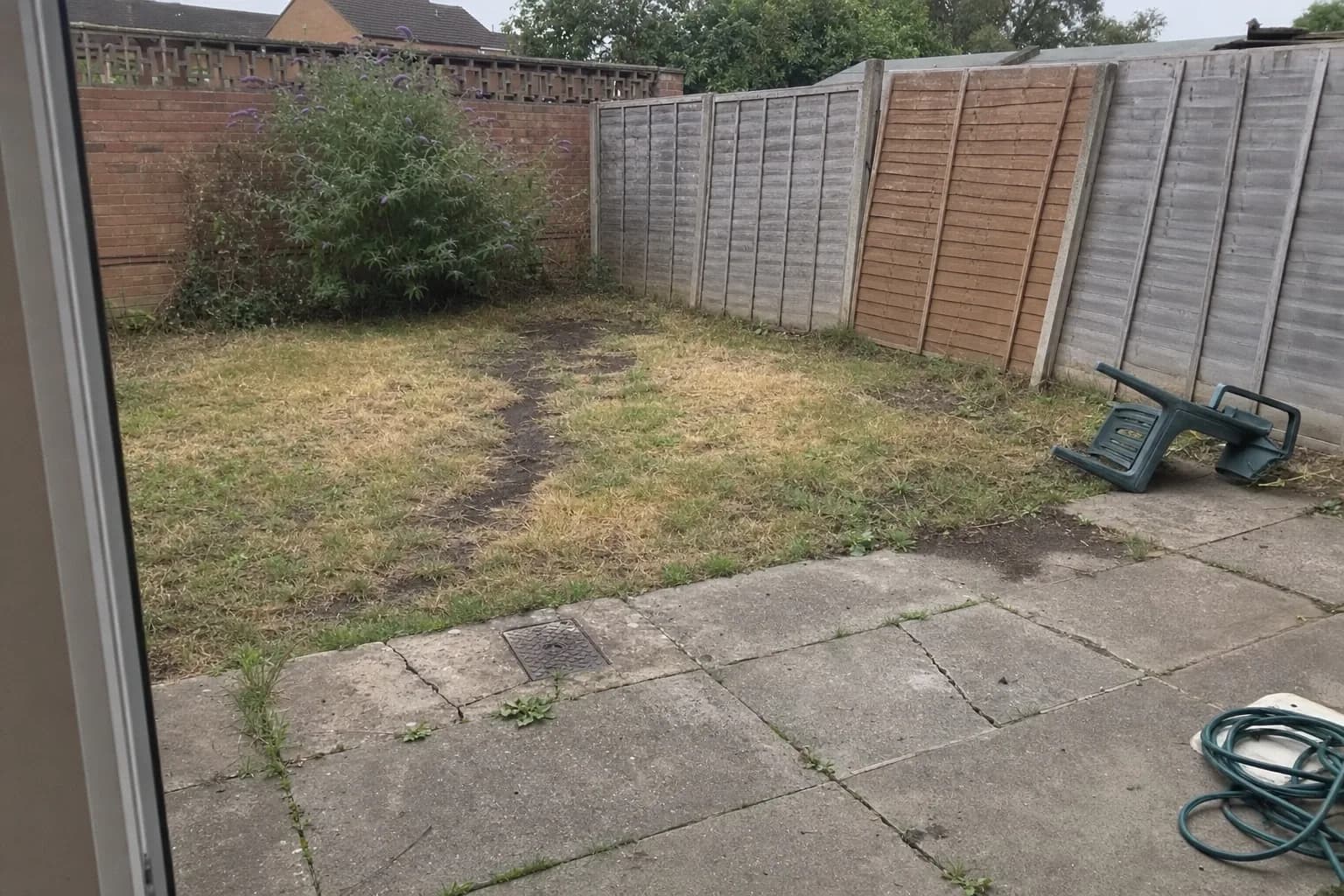
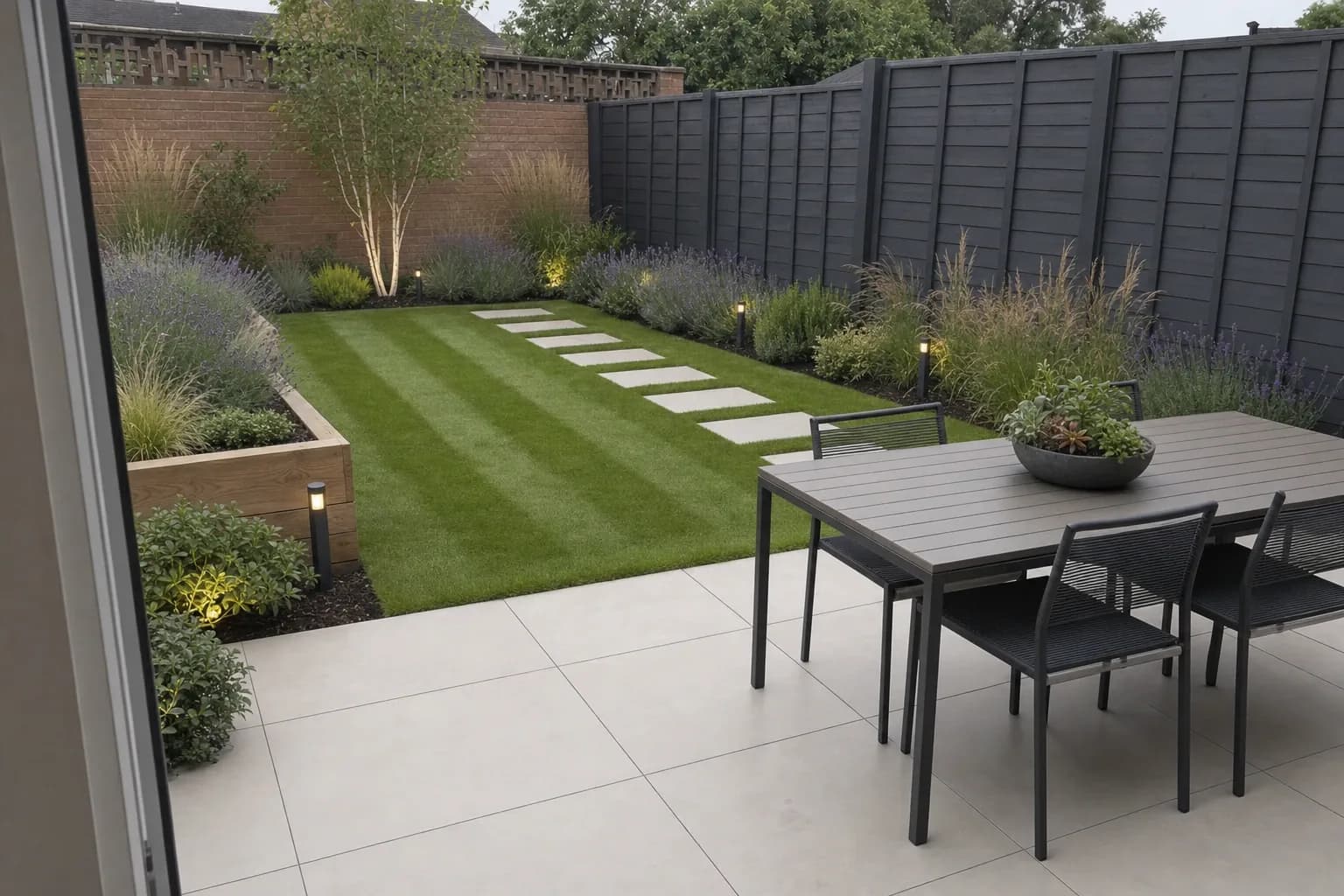
Garden Redesign
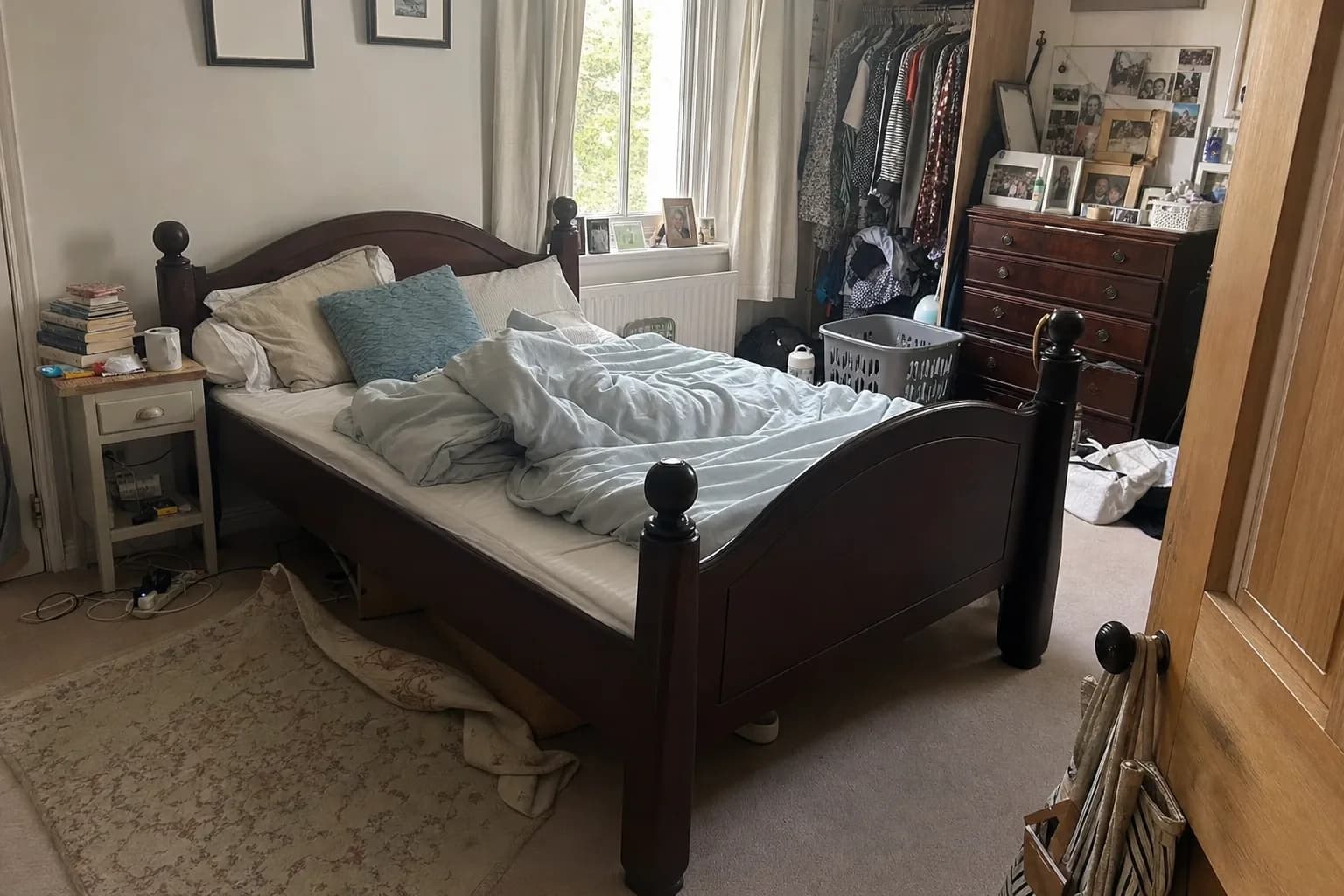
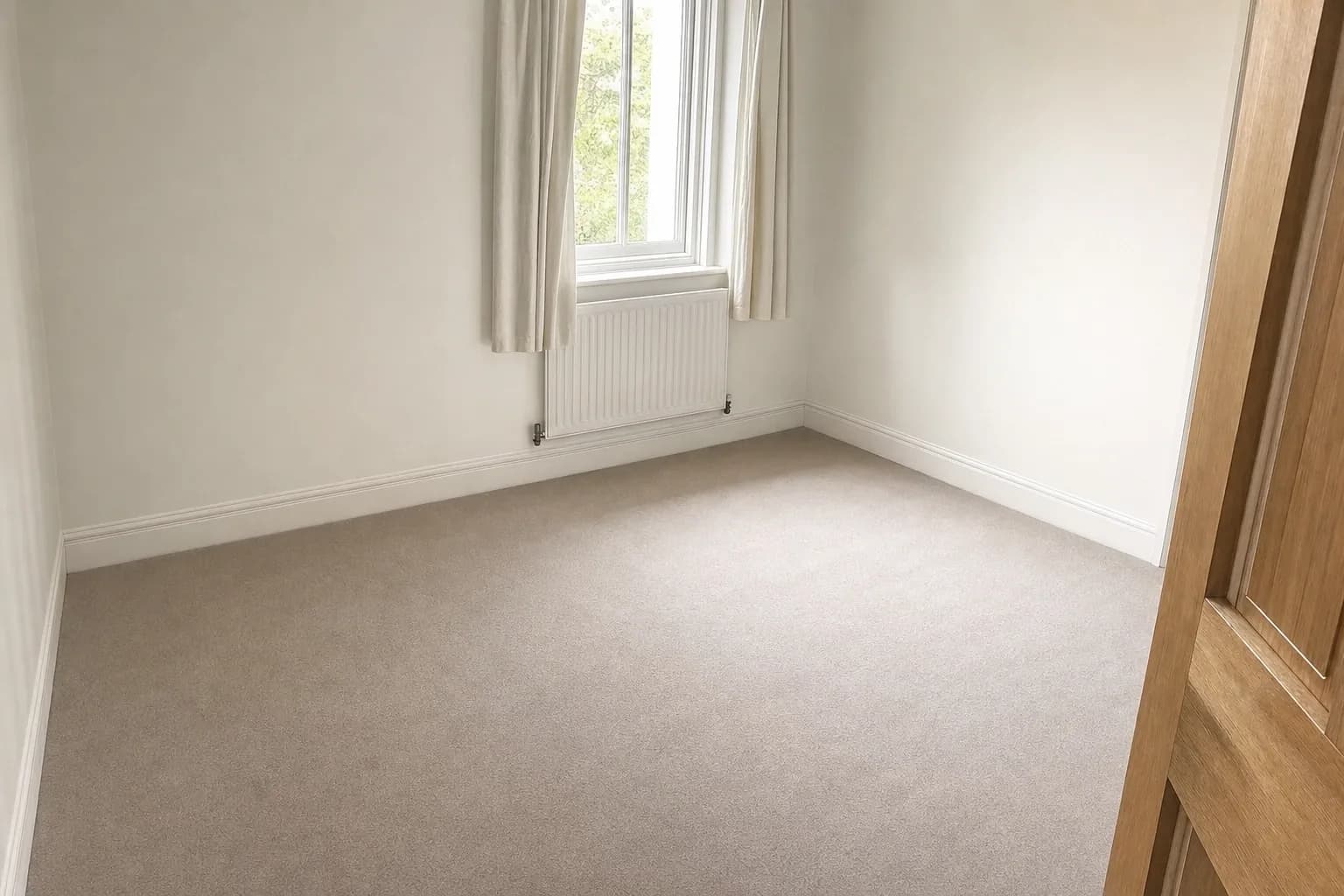
Furniture Cleanup
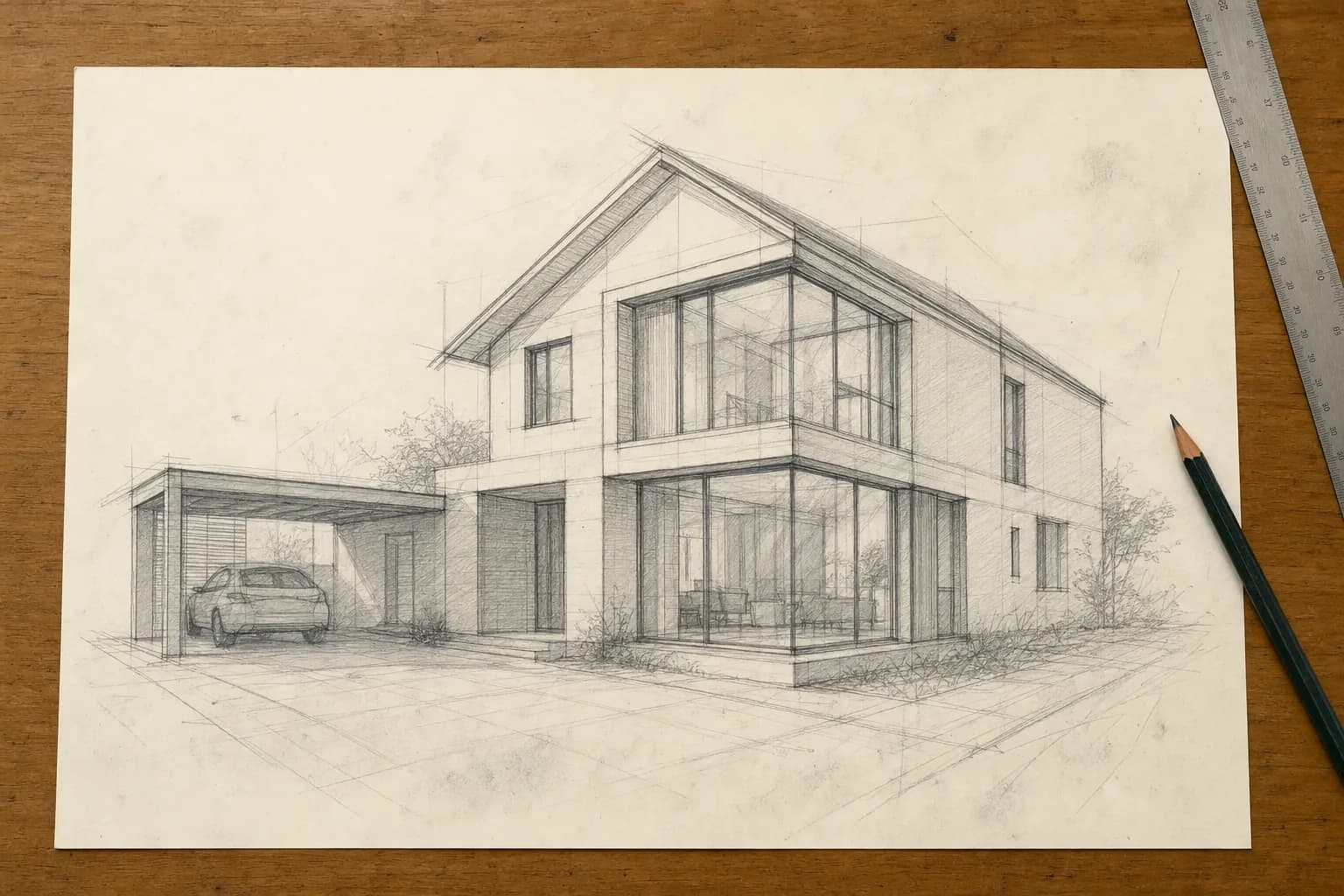
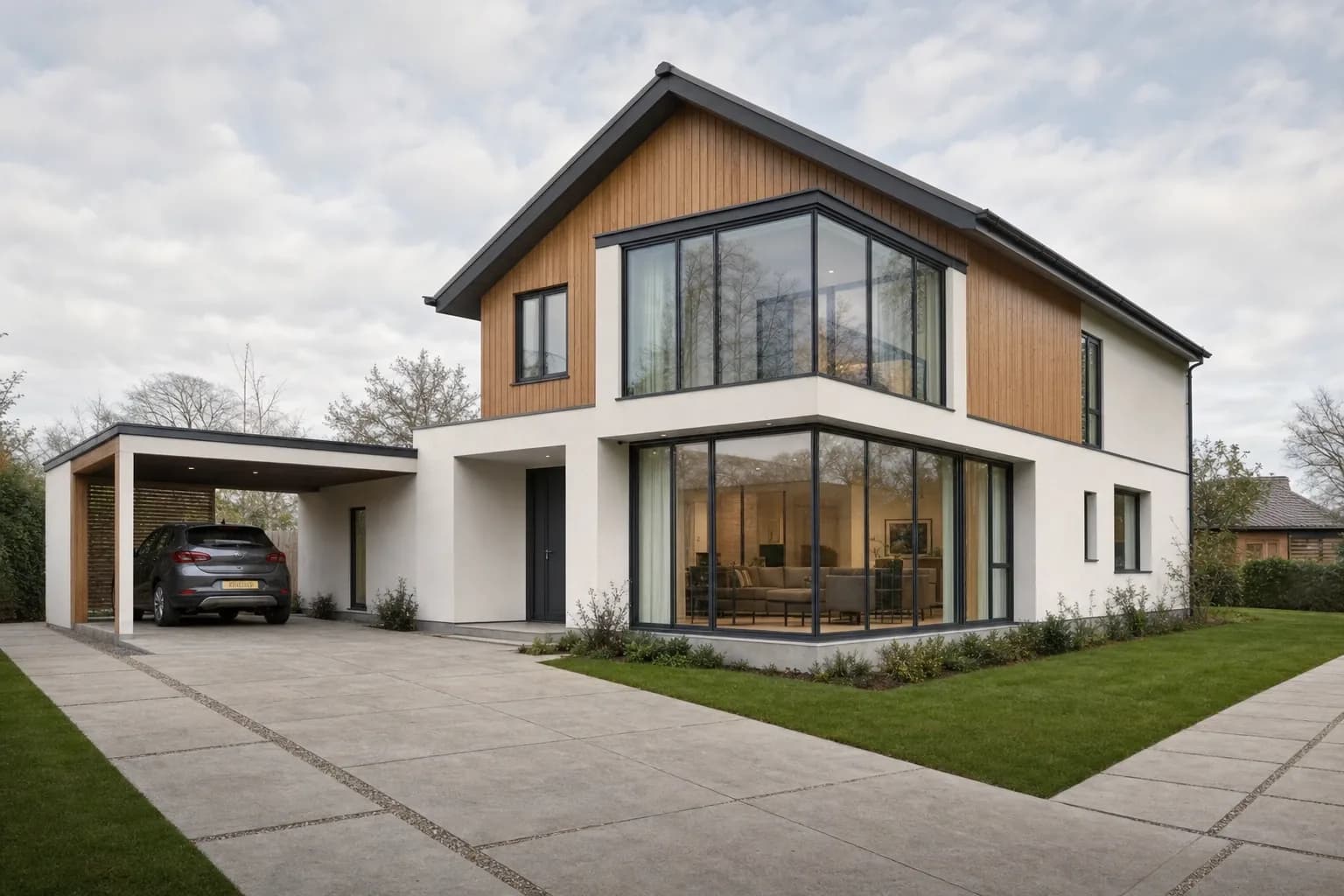
Sketch to Photo
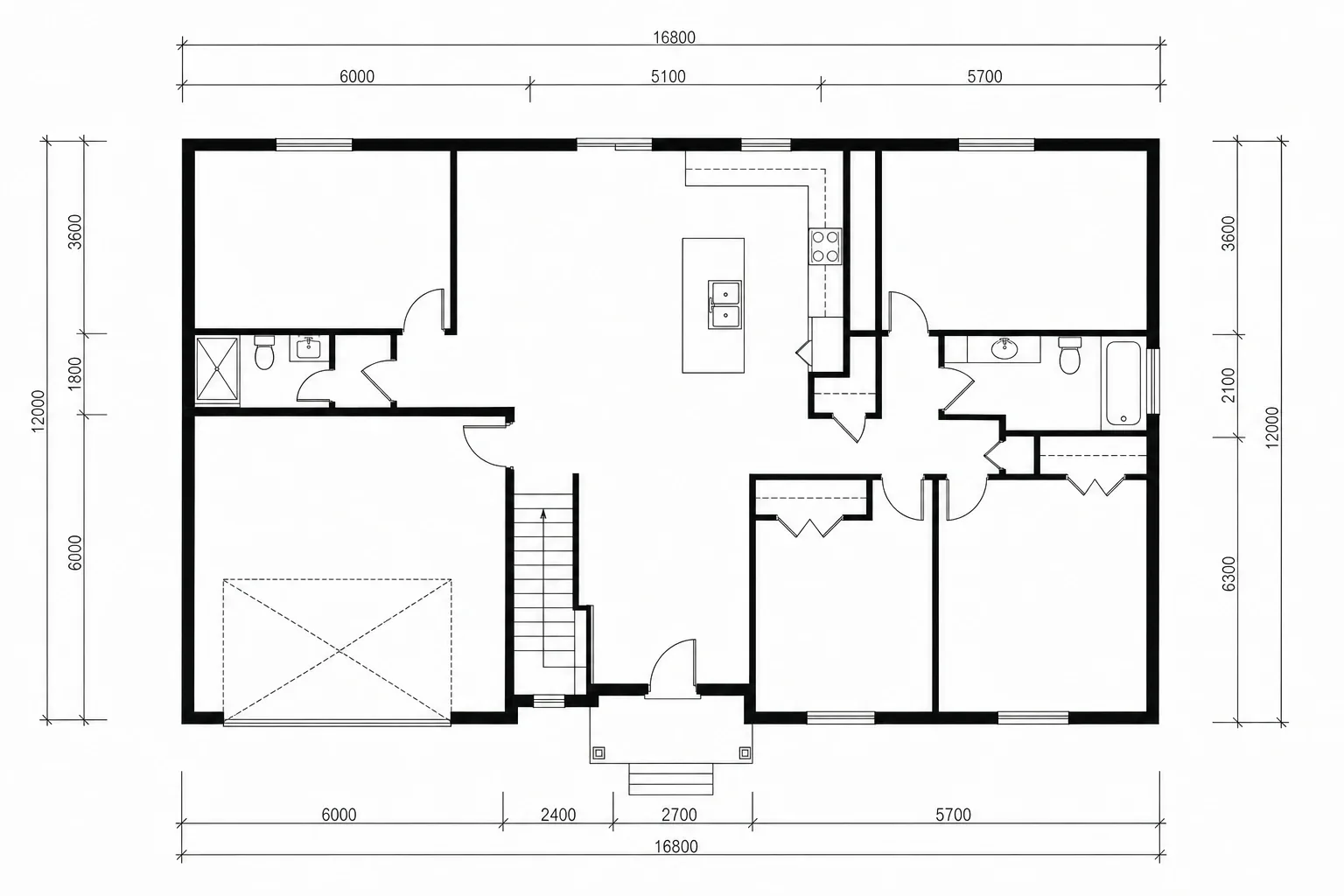
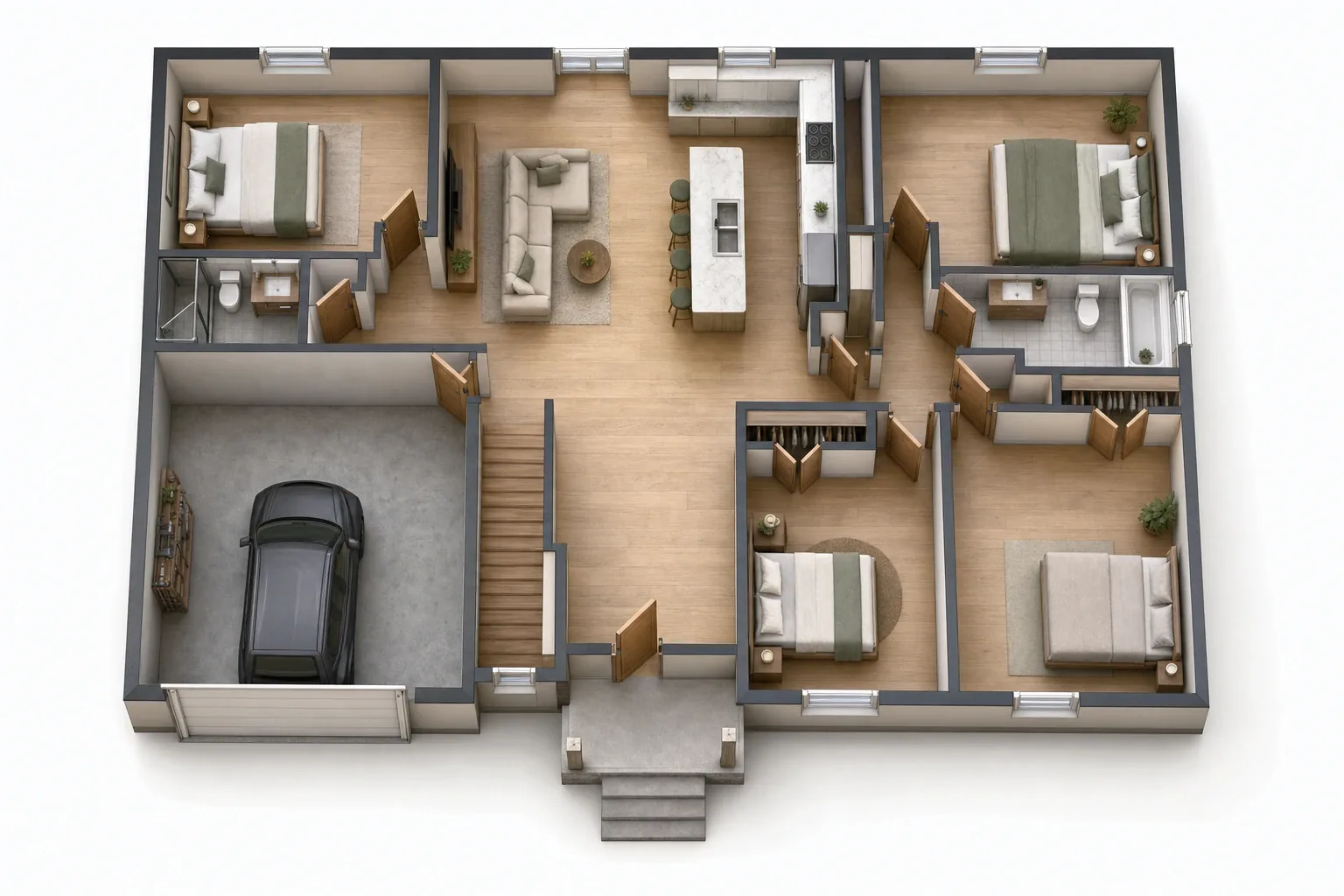
3D Floor Plan
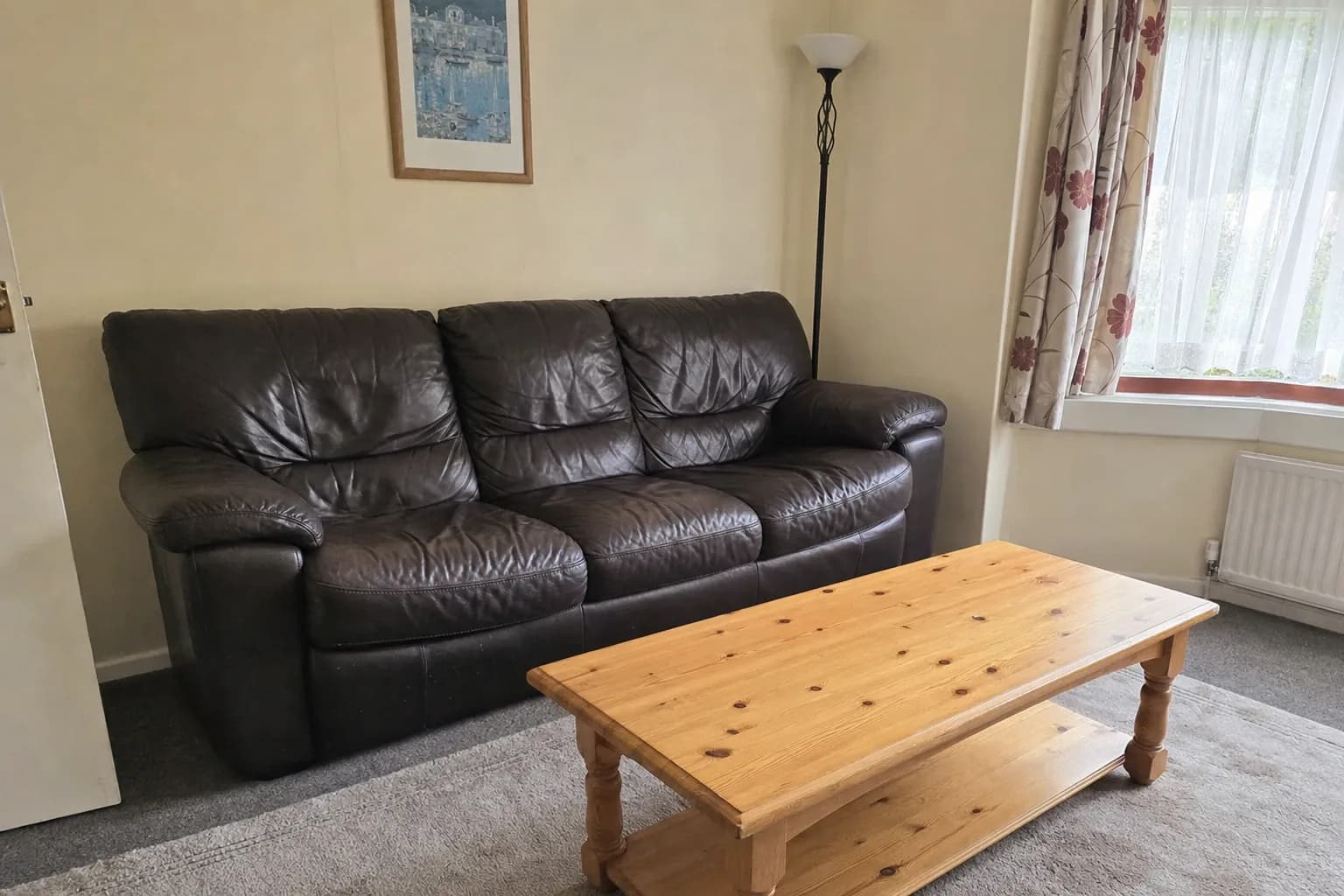
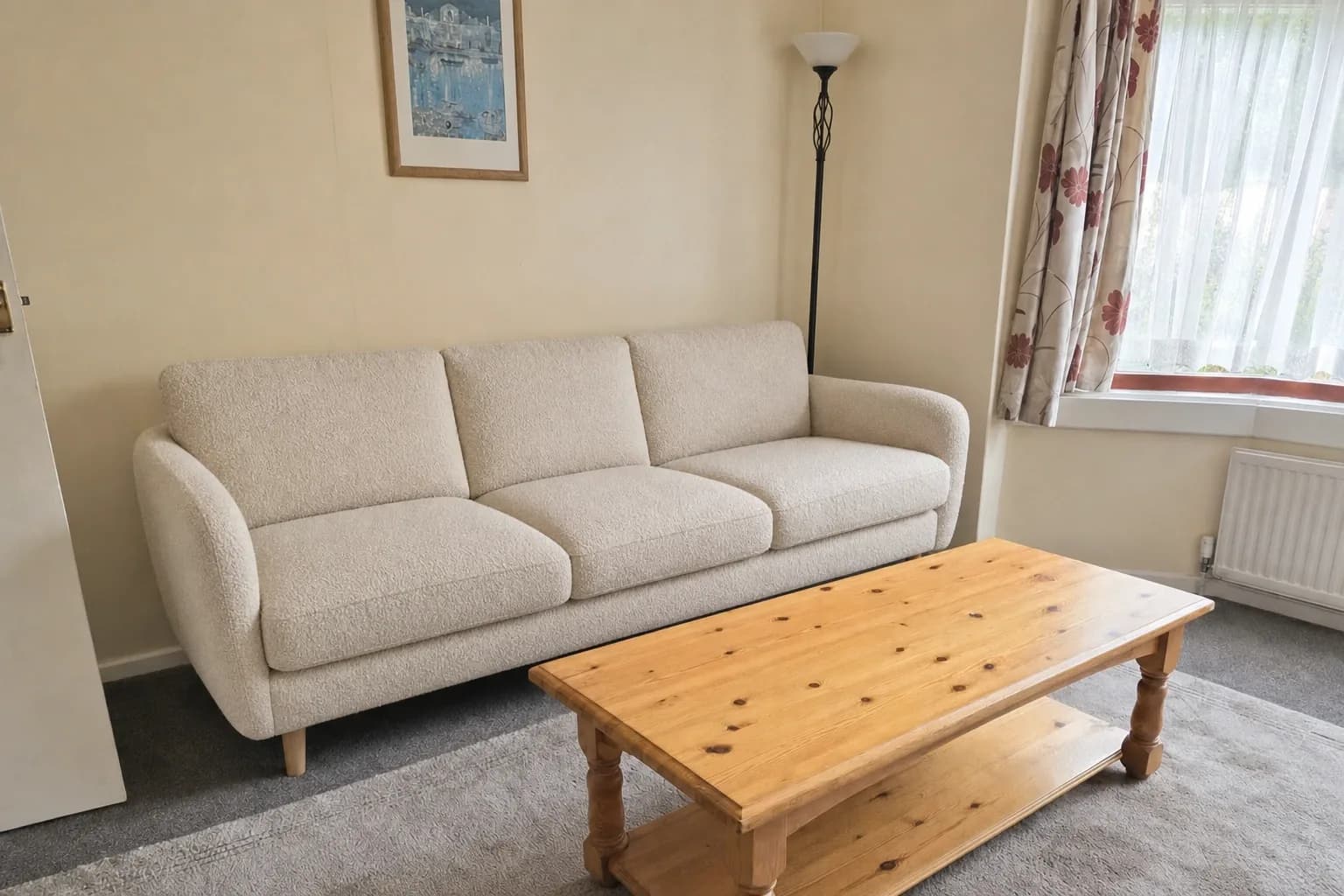
Furniture Swap
0
AI tools in one workspace
0
Interior design styles
0
Video effects & motions
0K
Upscale on every render
How it works
Three steps between a photo and a decision
No modelling, no render farm, no waiting on a visualiser. The whole loop runs while your client is still in the room.
Upload your space
A phone photo of the room, a pencil sketch, or a flat 2D floor plan. JPG, PNG or WEBP up to 20 MB — no CAD file, no 3D model, no setup.
Choose the direction
Pick the room type and one of 53 interior styles, set your design goals, or write a custom prompt. Turn on Advanced realism when the render has to survive a client close-up.
Room type
Style · 53 available
Scandinavian
Japandi
Coastal
Industrial
Bohemian
Art Deco
Deliver it client-ready
Fix one detail with the inpaint brush, enhance for ultra-realism, upscale to 4K, then export watermark-free with a commercial licence — or animate it into video.
Ten studios. One subscription.
Every stage of a project — concept, restyle, staging, plans, presentation — lives in the same workspace, on the same credits, with the same library of results.
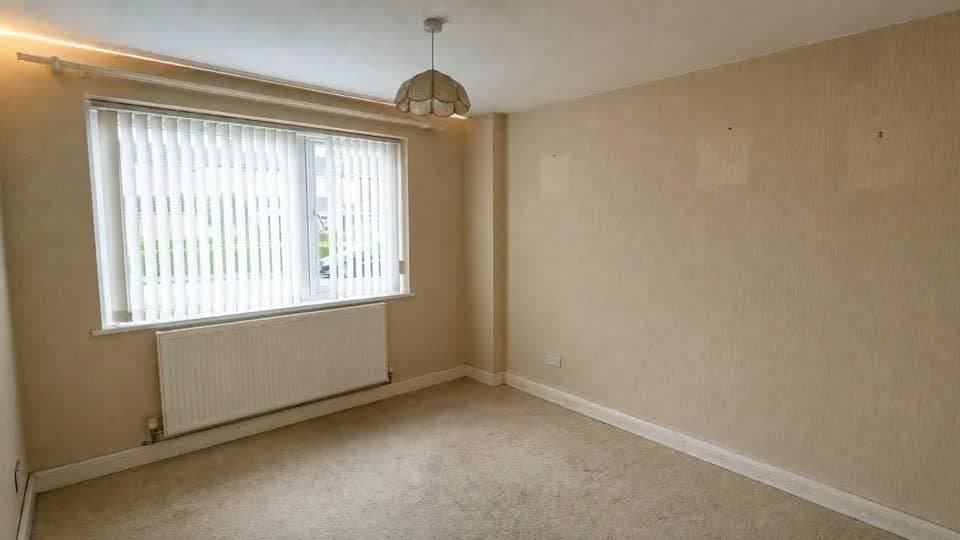
Interior Redesign
53 styles across 7 room types — standard, advanced realism, or your own prompt.
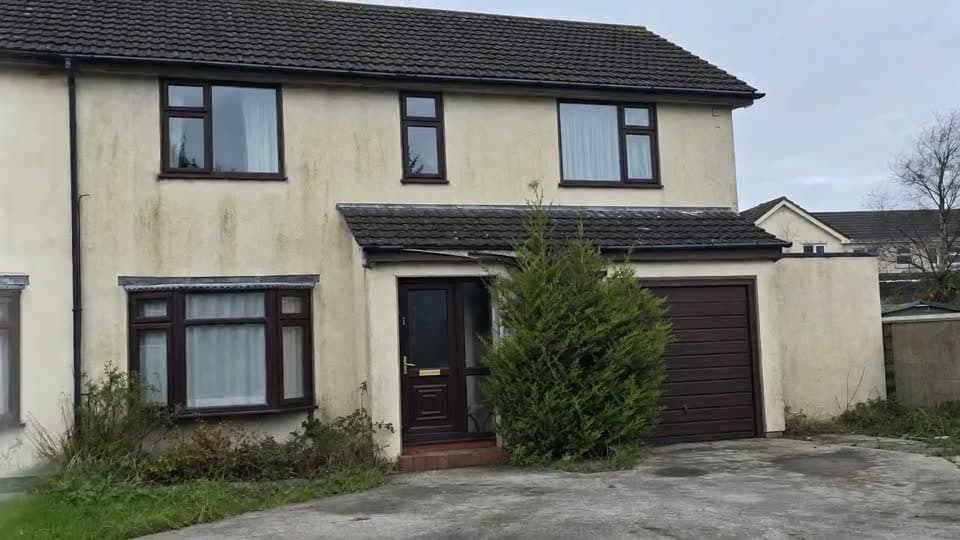
Exterior Redesign
Facades, materials and curb appeal — re-render the elevation as photographed.
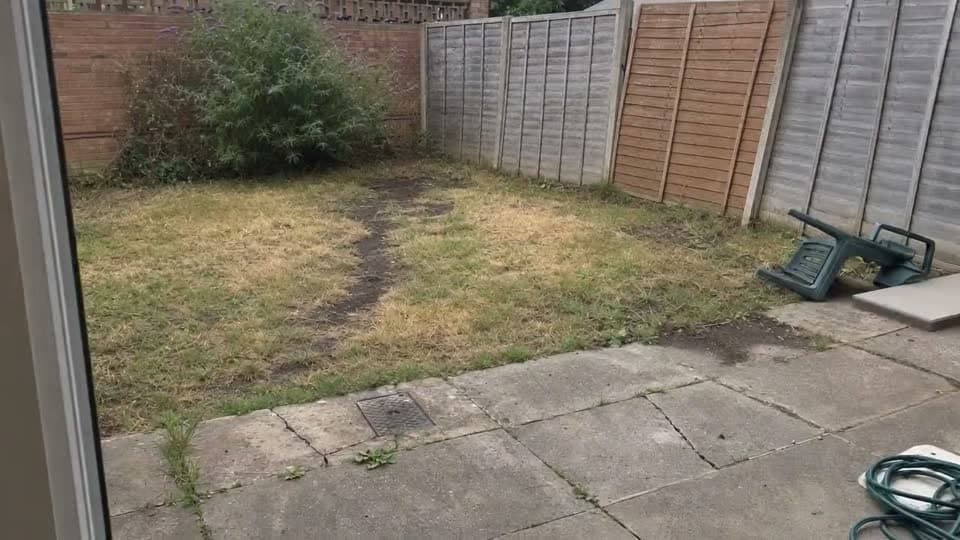
Garden Redesign
Planting, paving, lawn and lighting — landscape the whole plot from one photo.
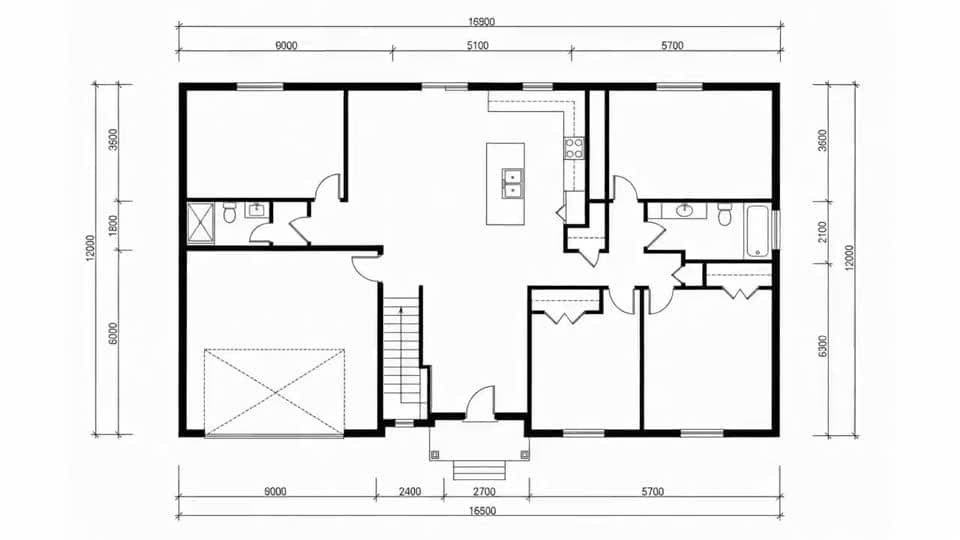
3D Floor Plan
Flat 2D plans become furnished photoreal 3D renders in 14 styles.
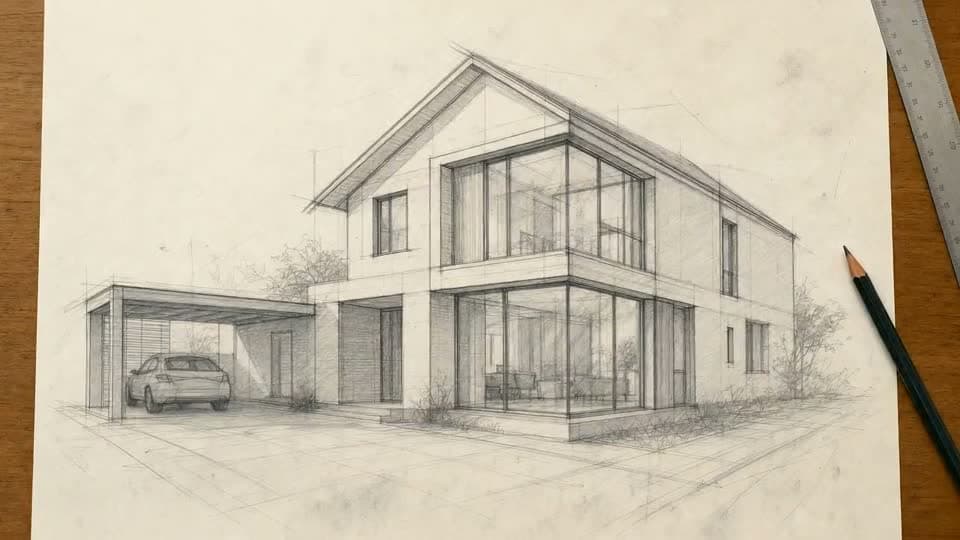
Sketch to Photo
Hand drawings and concept sketches, turned into real photographs.
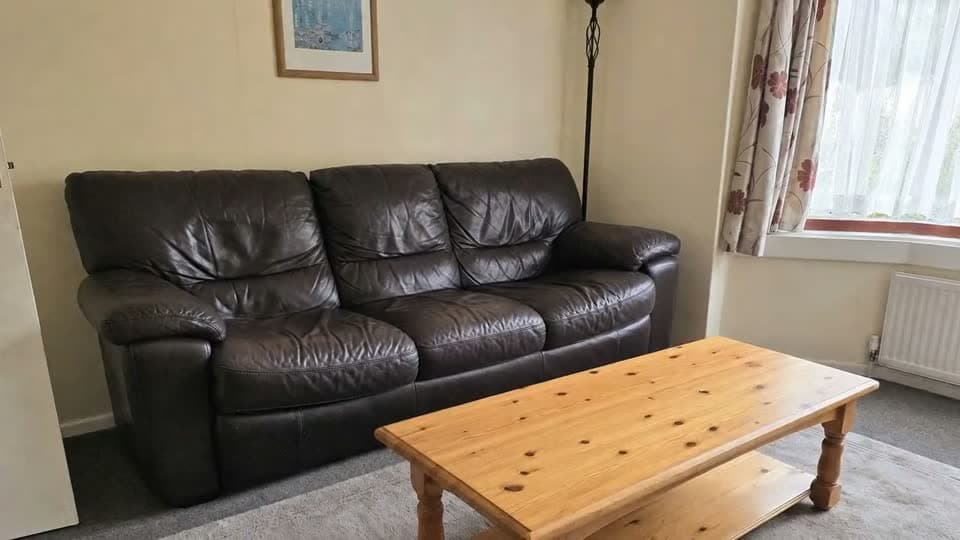
Furniture Swap
Replace one piece from a reference image. Everything else stays as shot.
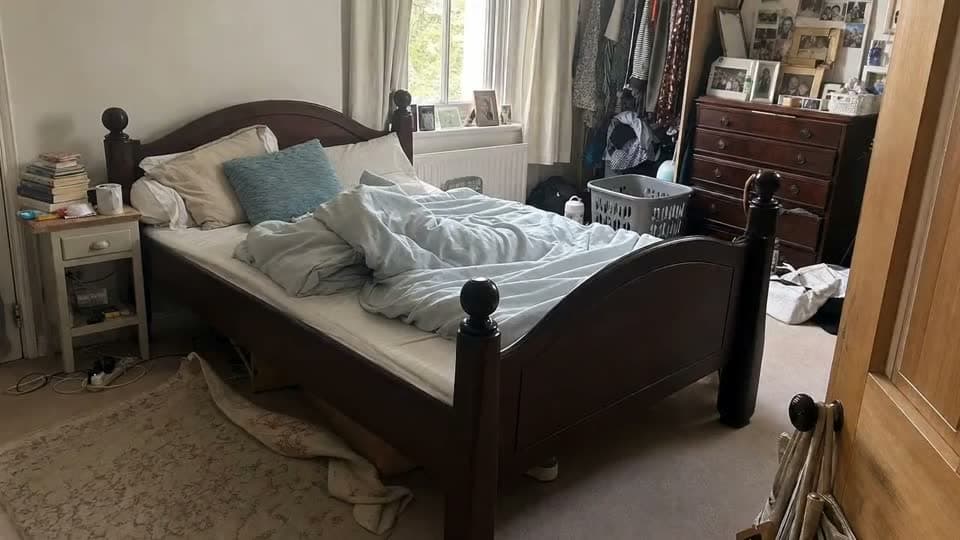
Furniture Cleanup
Paint over what you want gone — or empty the entire room in one pass.
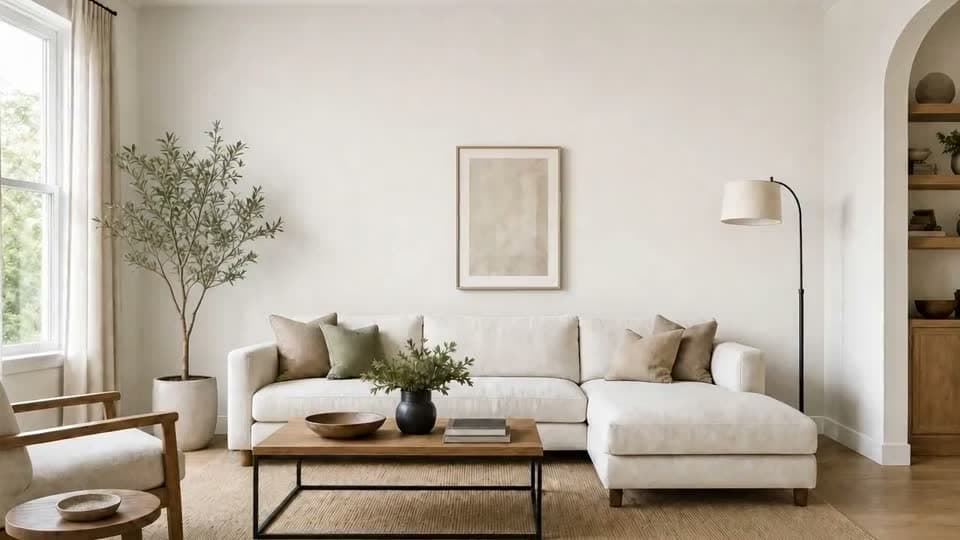
Inpaint Edit
Brush a region, describe the change — precise edits, nothing else re-rendered.
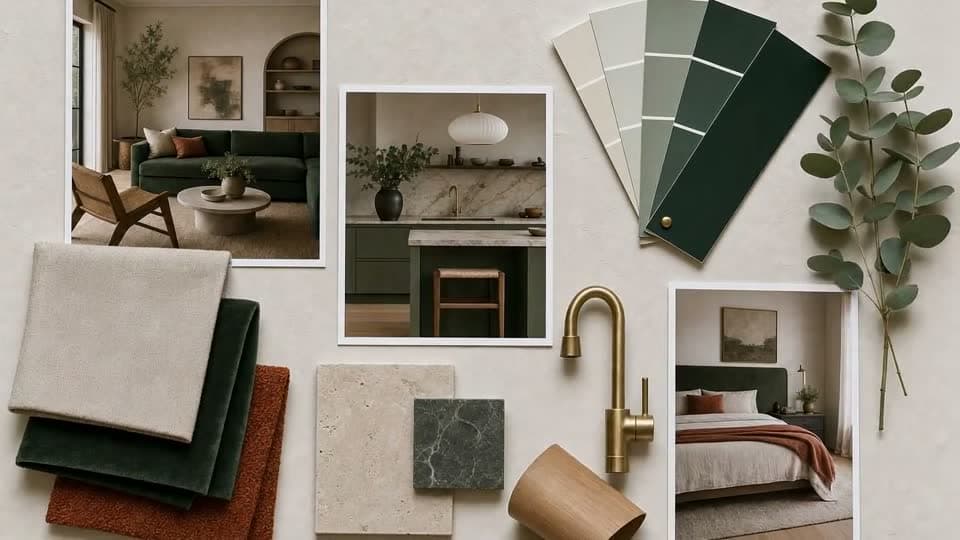
Mood Boards
A guided wizard that turns one photo into moods you can refine and integrate.
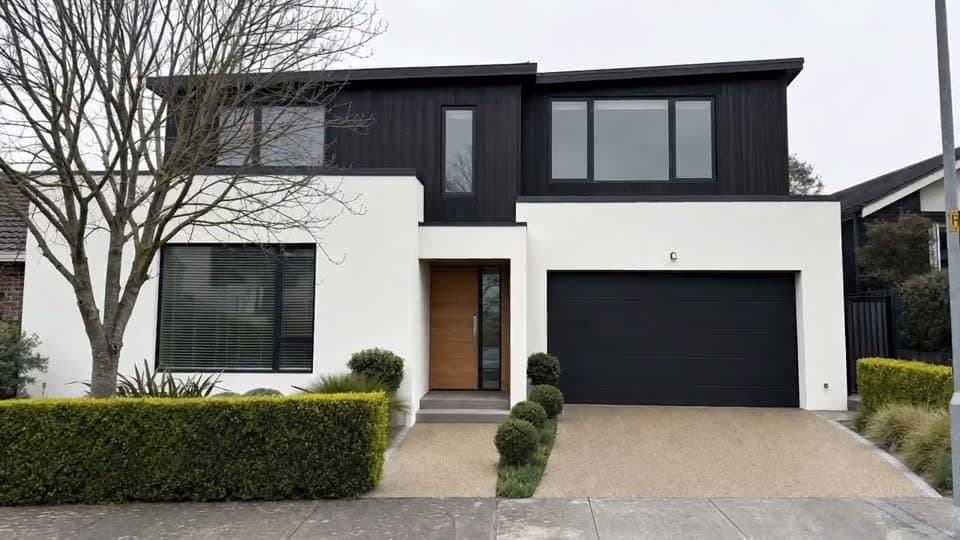
Render to Video
17 motion effects — drone, timelapse, AI presenter. 1080p, 16:9 and 9:16.
Inside the studios
Every surface of a project, covered
Five core studios handle the work you get paid for. Scroll through what each one actually does.
Interior Studio
Restyle any room in 53 directions
Upload the room once, then explore. Pick from 53 interior styles across 7 room types, switch on Advanced realism when the render has to hold up on a big screen, or describe the look yourself with a custom prompt.
- 53 styles · 7 room types · custom prompts
- Advanced realism mode for presentation-grade output
- Edit console — inpaint brush and text-driven edits
- Ultra-realistic enhance and 4K upscale
Exterior Studio
Rework a facade without touching the build
Render new cladding, glazing, roofing, driveways and planting on the house exactly as photographed. Set design goals per render so the AI knows whether you are chasing curb appeal, a material change, or a full refresh.
- Facade, materials and curb-appeal renders
- Design goals steer every generation
- Edit console for one-off corrections
- Animate the result into a video tour
Garden Studio
Landscape the whole plot from one photo
Turn a patchy lawn and a cracked slab patio into a designed garden — planting schemes, paving, decking, borders and lighting — from a single shot taken at the back door.
- Full landscaping and planting redesign
- Quick edits for lawn, flowers, paths and lights
- Enhance and 4K upscale on paid tiers
Floor Plan Studio
Flat plans, rendered as furnished 3D
Drop in a 2D architectural plan and get a photoreal top-down 3D cutaway back — walls, doors and windows exactly where the drawing puts them, furnished and materialised in the style you choose.
- Every wall, door and window preserved
- 14 furnishing styles to choose from
- Photoreal materials, furniture and shadows
- 4K upscale for print and listing packs
Sketch Studio
Your pencil concept, as a photograph
Scan or photograph a hand drawing and get a real-looking building back, built the way you drew it — same massing, same roof pitch, same viewpoint. The fastest way to show a client what is in your head.
- Keeps your massing, perspective and viewpoint
- Works from rough concept lines
- Drag the drawing straight onto the canvas
Render to Video
Stills are good. Motion closes.
17 effects turn any render into a clip — drone reveals, construction timelapses, an AI presenter walking the room, or your own idea described in a sentence. 1080p, 16:9 and 9:16.
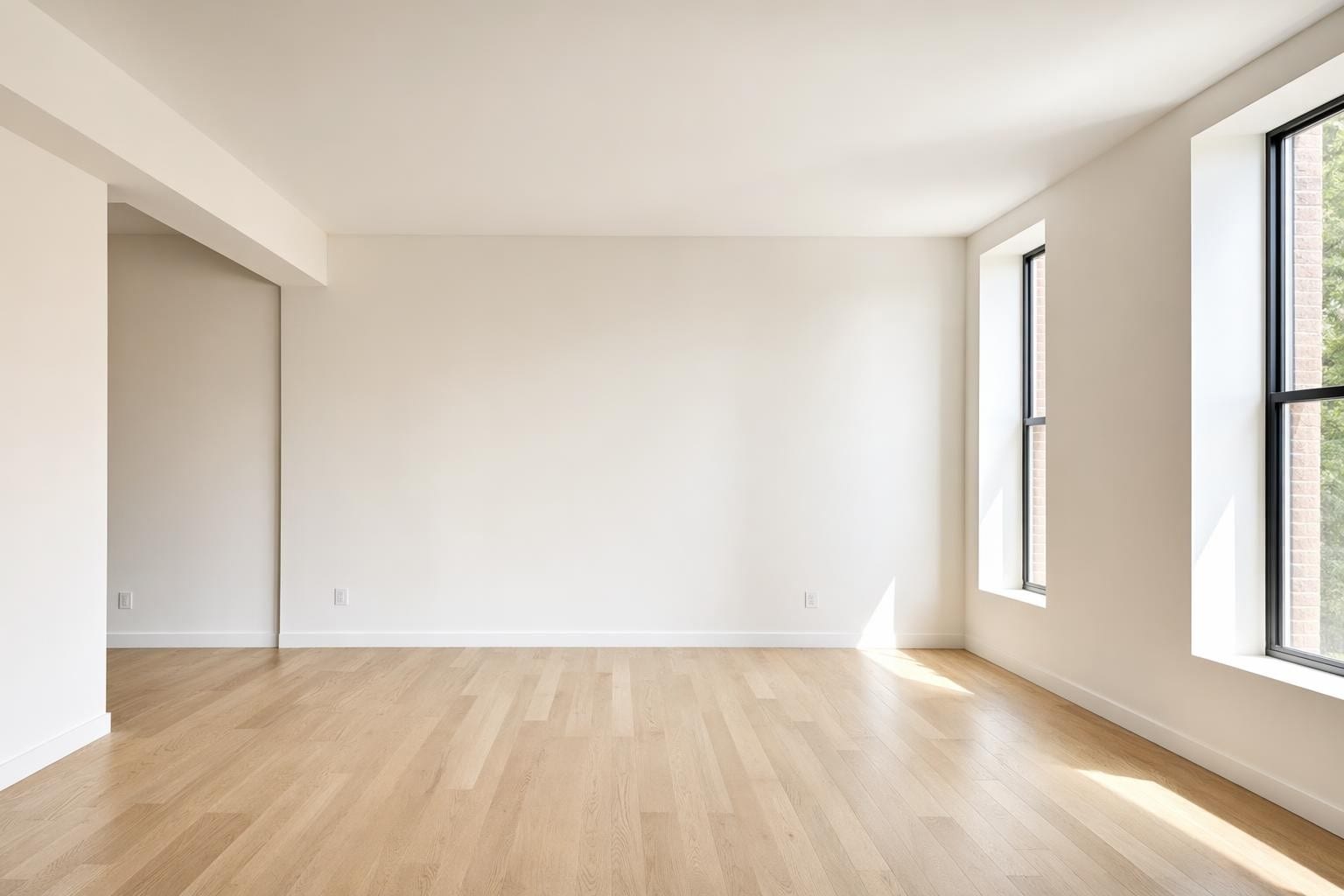 Home stagingFree
Before / After
Reveal the redesign with a sweeping split-screen wipe.
Helicopter drape with logo
A helicopter lifts a huge sheet printed with your agency logo off the whole house.
Branded moving truck arrival
A removals lorry in your agency livery pulls up outside the property.
Gift-wrapped house
The whole property unwraps like a present to reveal the listing.
AI Agent Video
A lifelike presenter speaks your script inside your room.
Furniture Pop-In
Furniture animates into place, piece by piece.
Construction Timelapse
Your building rises from an empty lot to the finished home.
Night falls
One daylight exterior turns into a lit twilight shot as the sun sets.
Aerial drone
The drone climbs and pulls back to reveal the property from the air.
Branded box staging
Your logo-stamped box lands in the empty room and unpacks it into a fully staged space.
Before/After — movers empty a room
Two removal men physically clear the furnished room until it matches your empty shot.
Before/After — furnishing
A delivery crew carries the furniture in and styles the empty room for you.
Before/After — furniture flash
The furniture pops into the empty room group by group until it is fully staged.
My own idea
Describe what happens in the video and we generate it.
Change one thing. Break nothing.
Full redesigns are the easy part. The work that actually wins clients is the small fix at 6pm — and these three tools do it without re-rendering the scene.
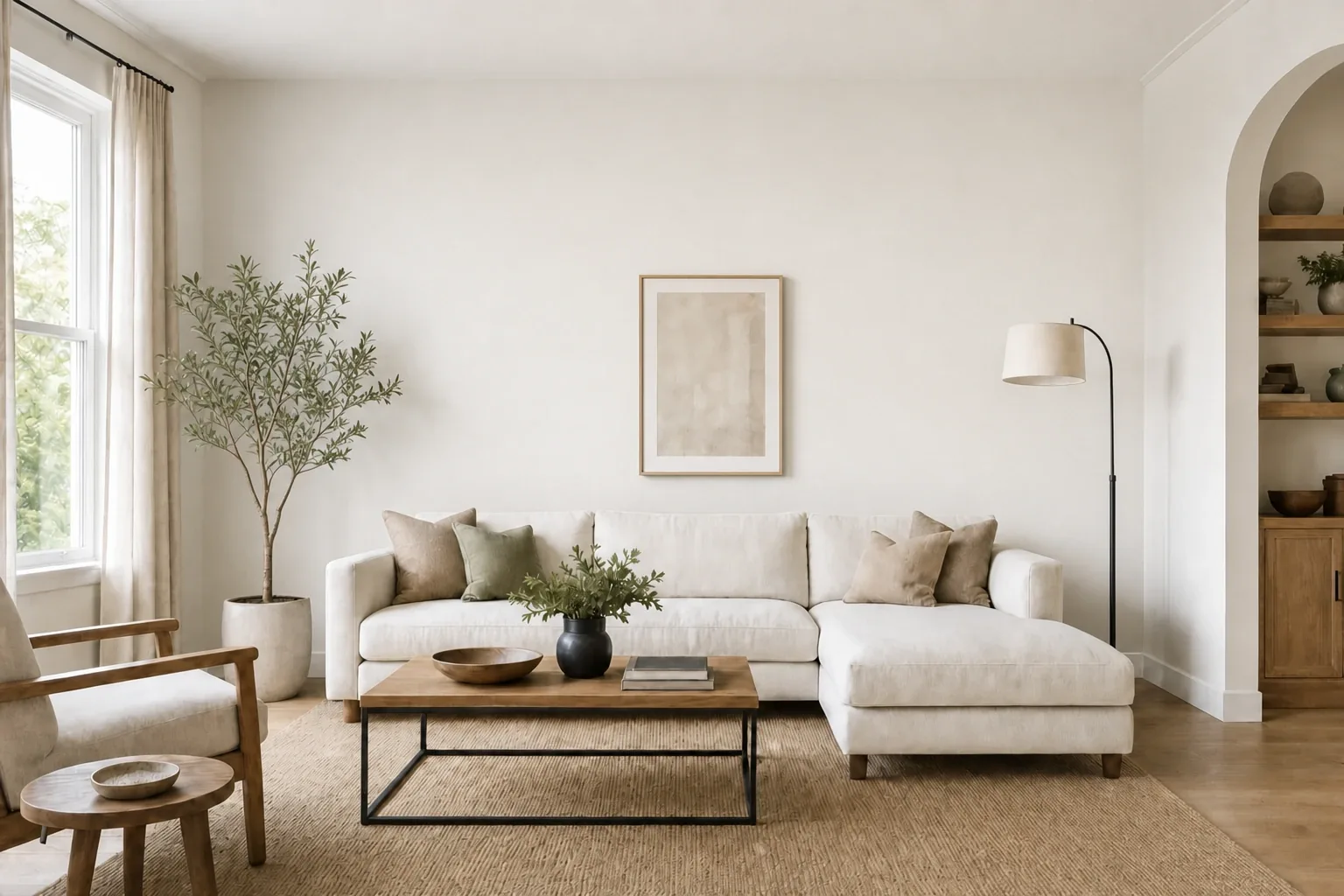
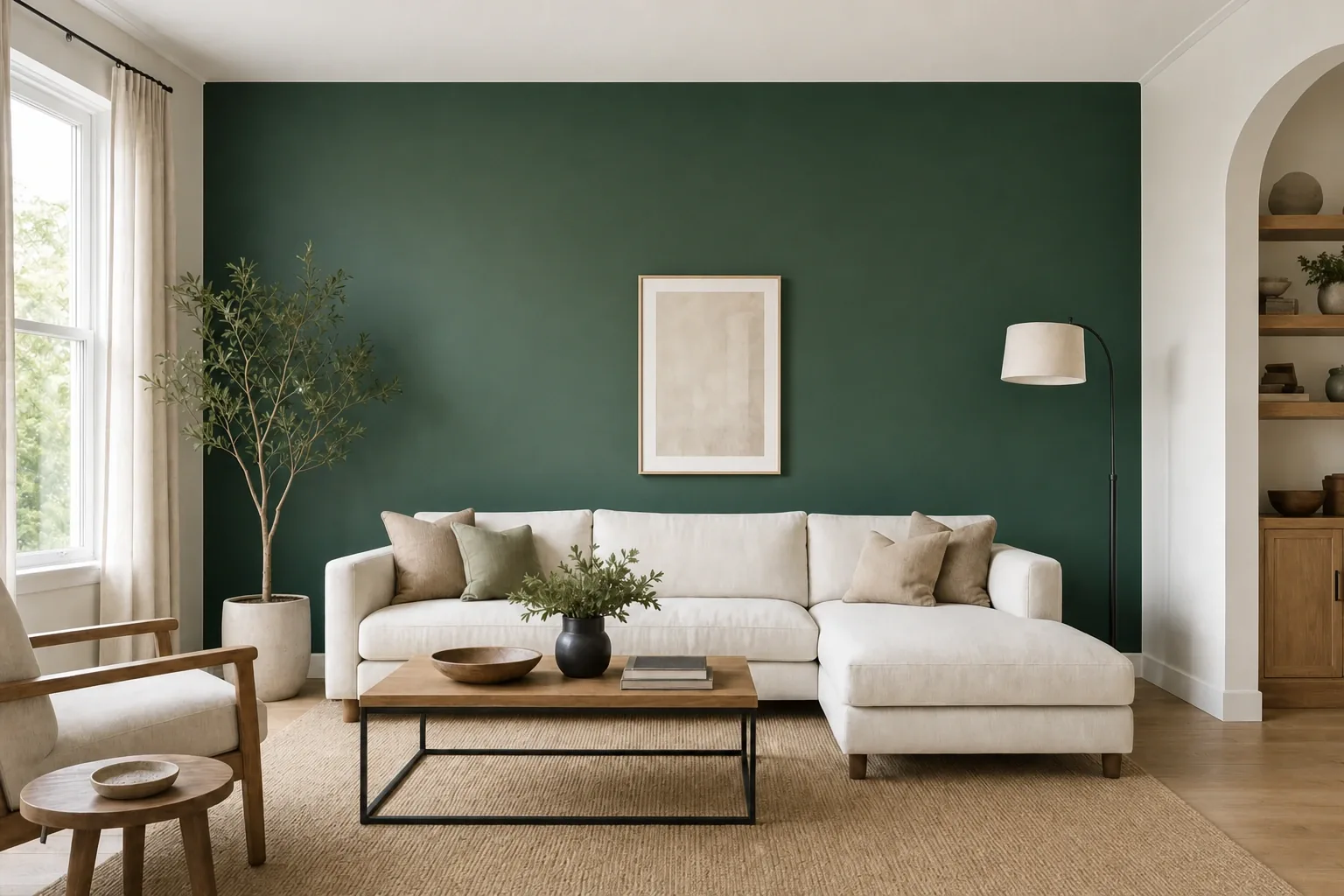

Finishing & delivery
Detail that survives a full-screen client review
The last 10% is where projects are won
Every studio shares the same finishing pipeline and the same credit pool, so there is nothing extra to buy once a render is close.
Ultra-realistic enhance
Paid plansA second pass that tightens materials, contact shadows and reflections.
4K upscale
Paid plansTake any render up to print and large-screen resolution.
Watermark-free exports
Paid plansClean files the moment you are on a paid plan.
Commercial licence
Paid plansUse renders in proposals, listings, staging and marketing. You own them.
Credits roll over
Paid plansUnused credits stack on every renewal while your subscription is active.
Priority render speed
Top planJump the queue when a client is waiting on the other end of the call.
Made with Axisnook
Rooms, facades and whole homes — every one of them started as a single photograph, a sketch, or a line drawing.
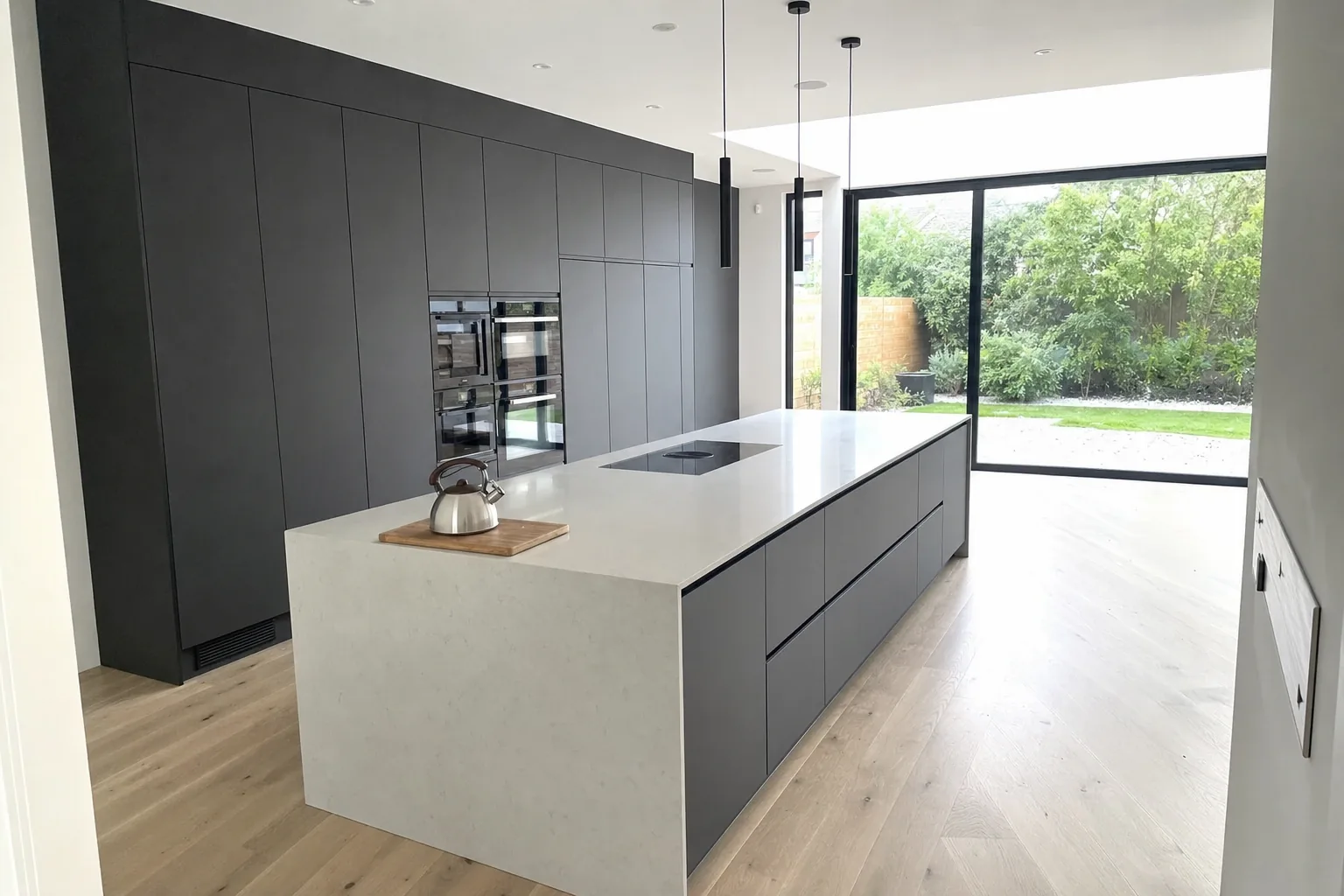
Handleless graphite island kitchen
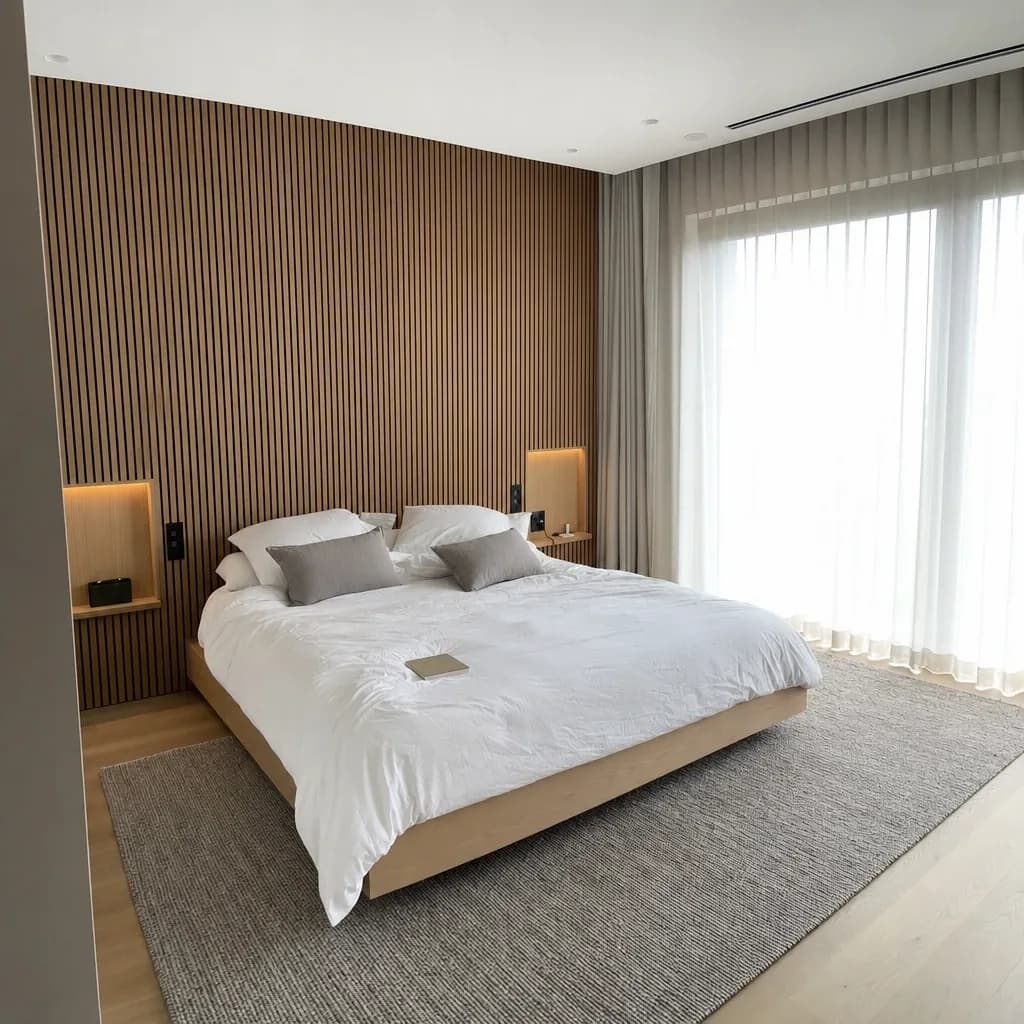
Oak-slat main bedroom
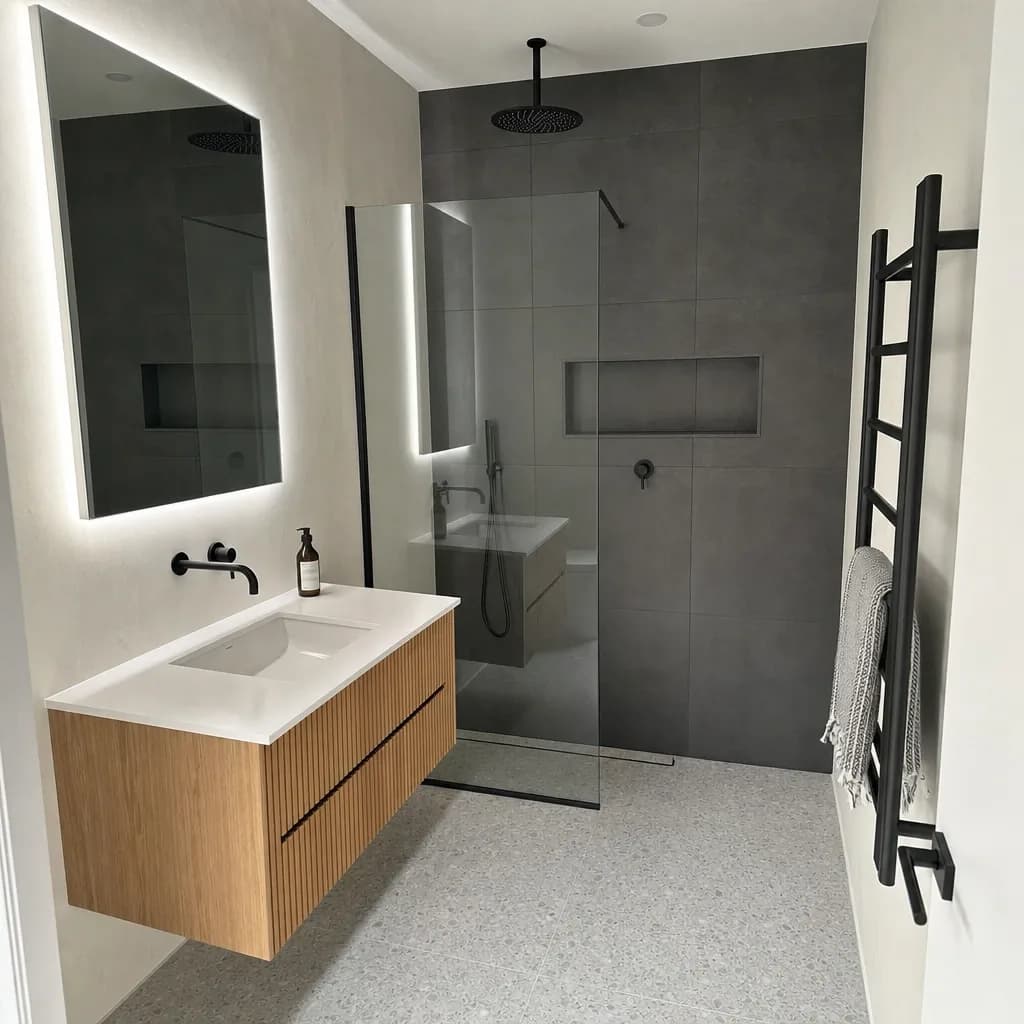
Charcoal and fluted-oak bathroom
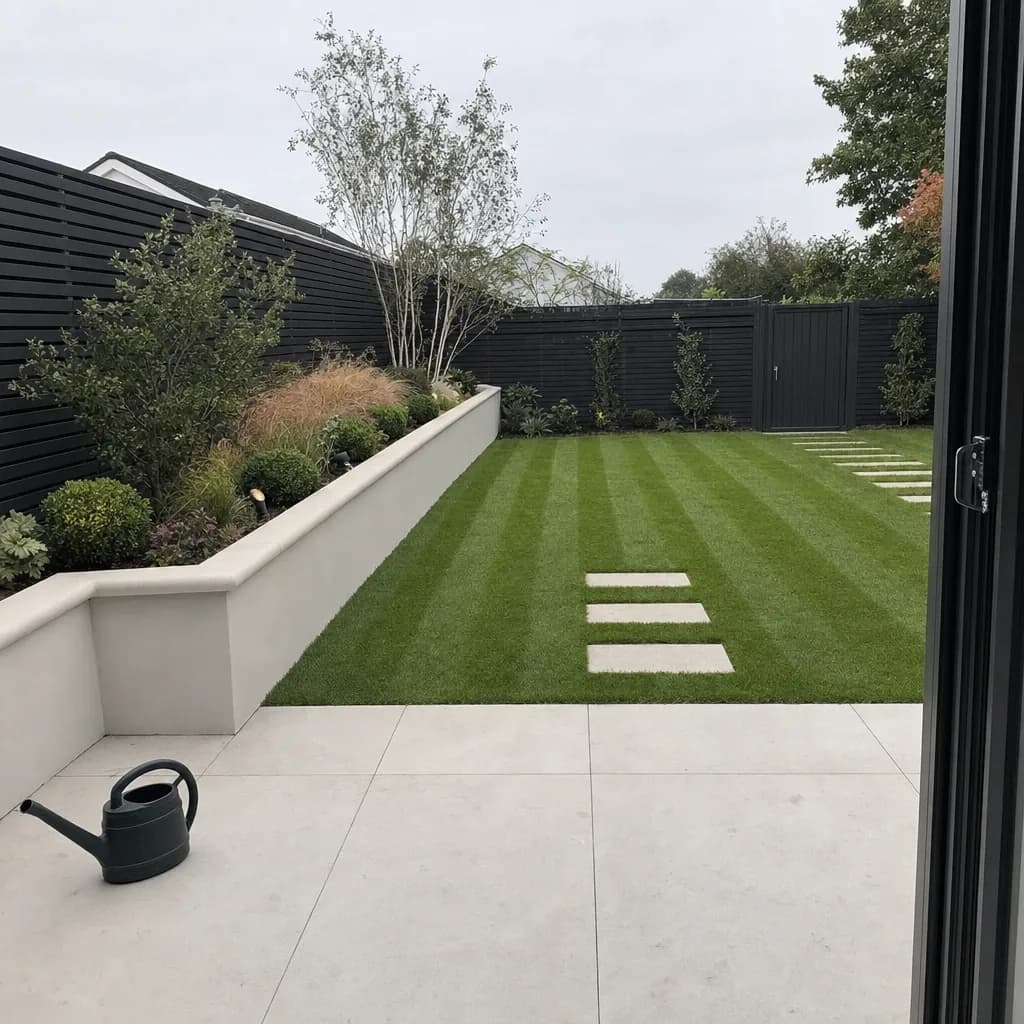
Landscaped garden and terrace
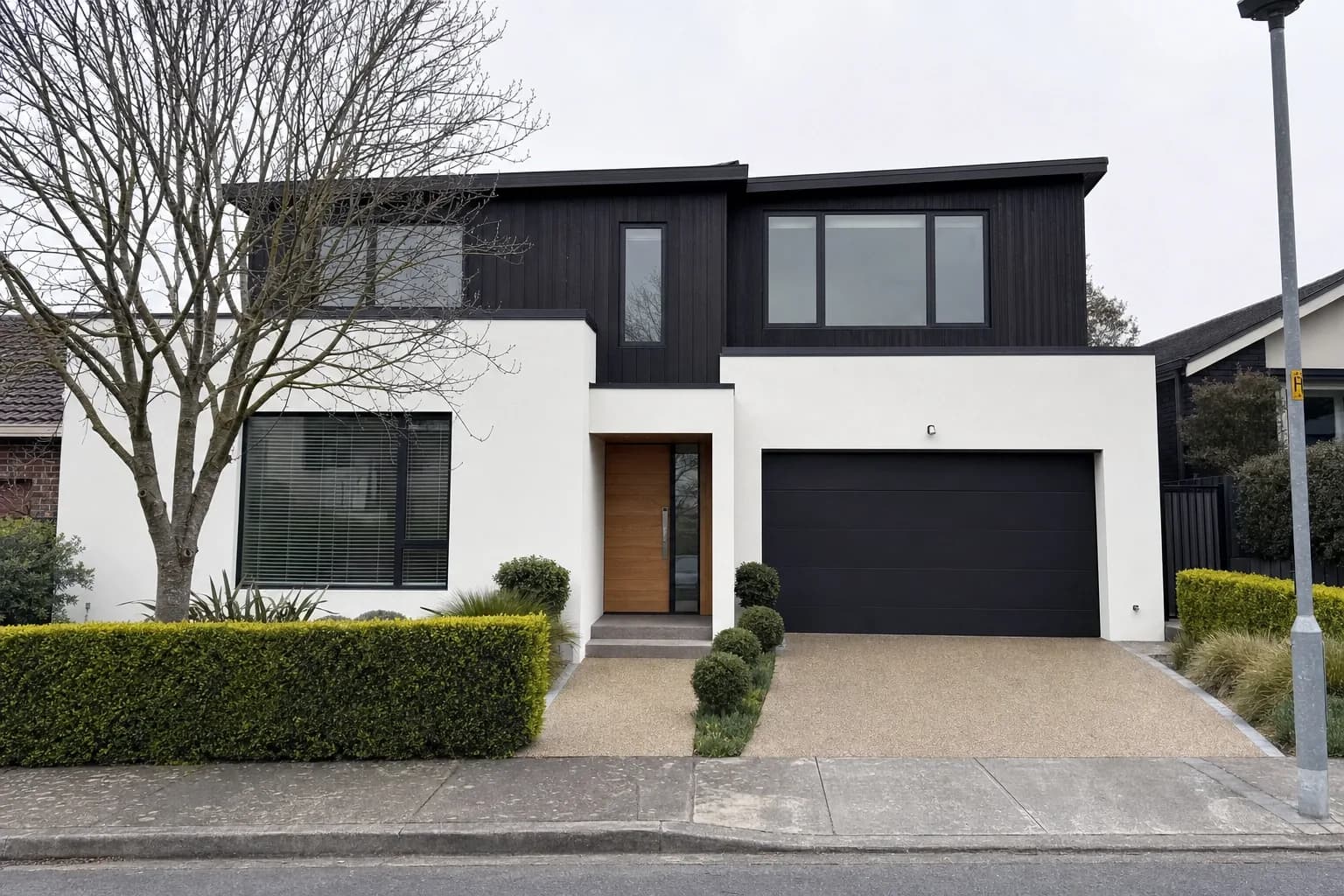
Render and charred-timber facade
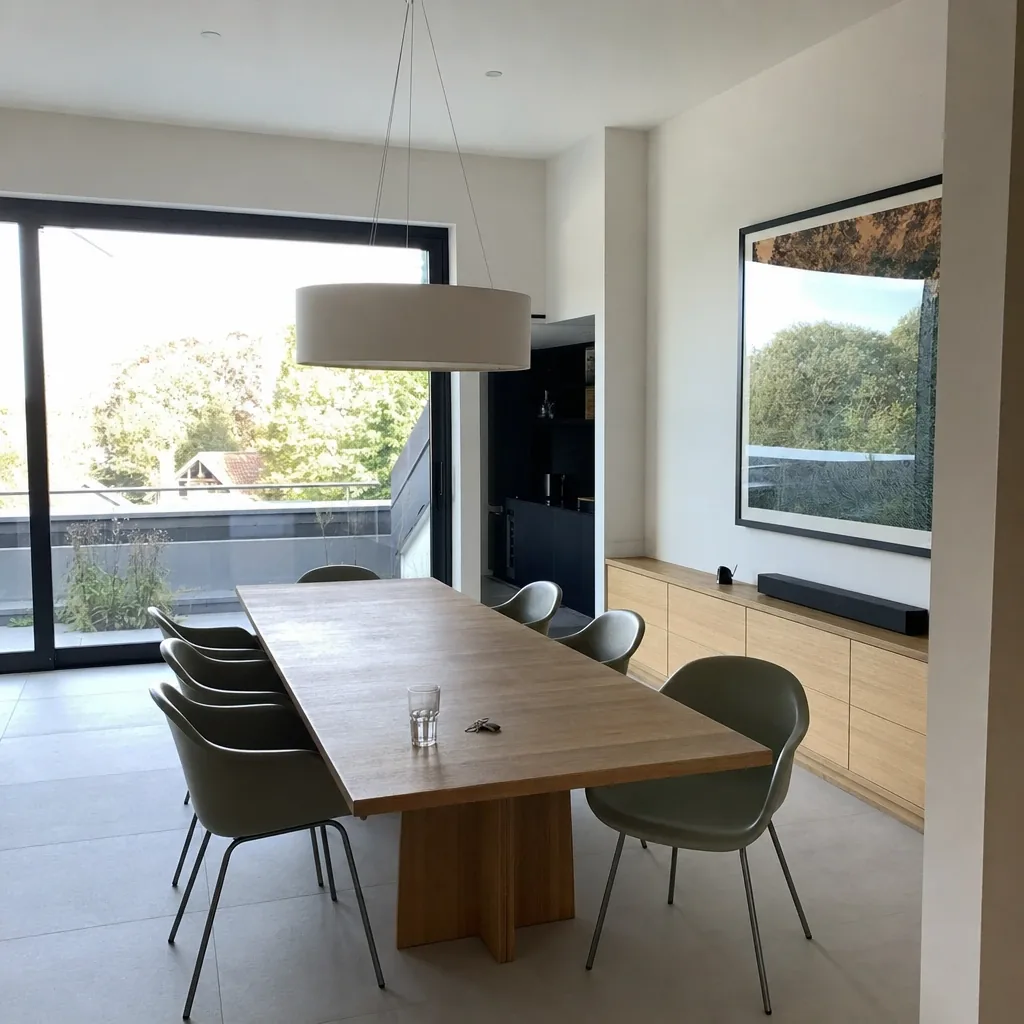
Open-plan oak dining
Questions, answered
Everything about plans, credits, licensing and what the tools can actually do.
Axisnook is an AI design studio for interior and exterior professionals. Ten tools share one workspace: interior and exterior redesign, garden design, furniture swap and cleanup, inpaint editing, 3D floor plans, sketch-to-photo, mood boards and render-to-video.
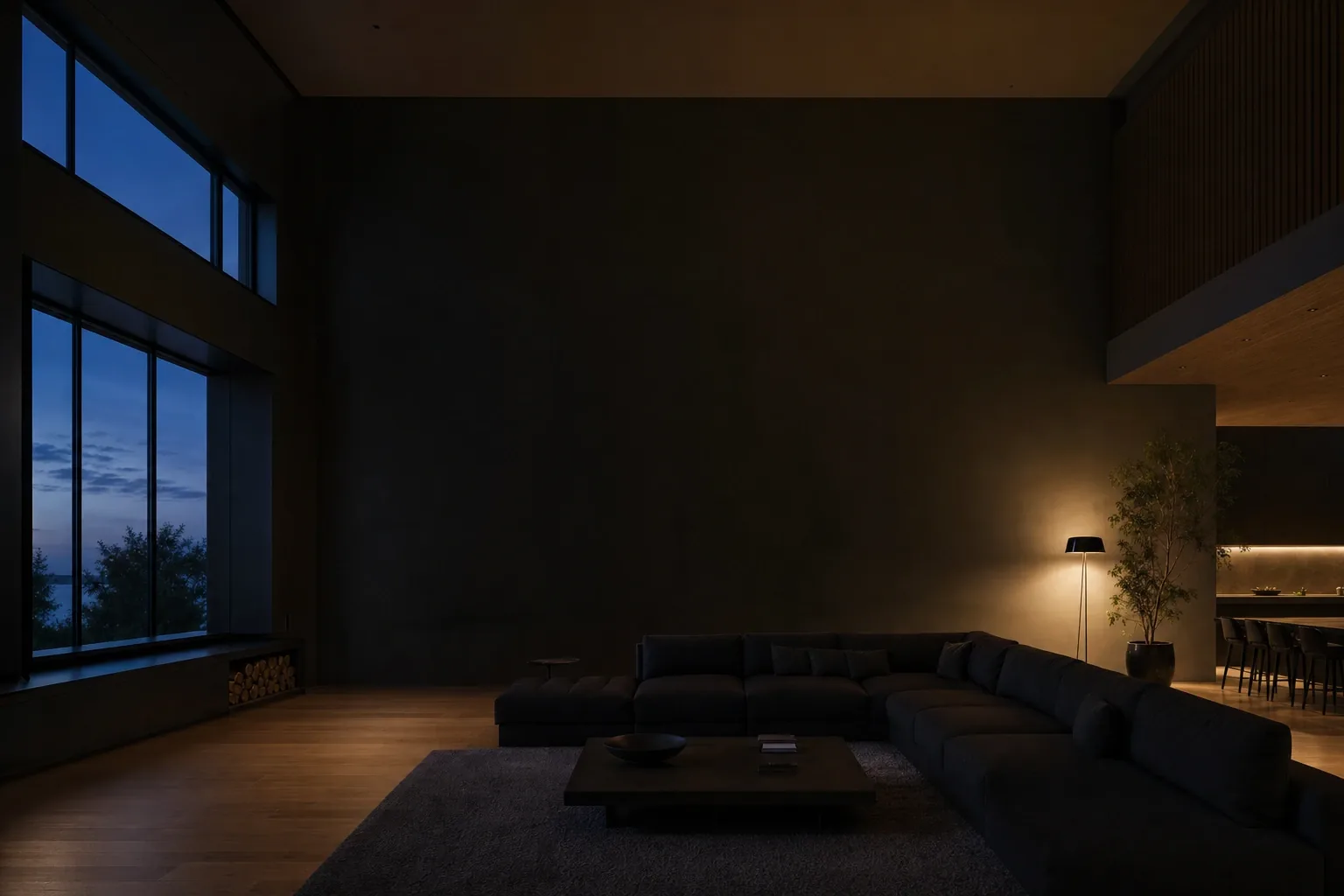
Your next client meeting
deserves a picture
3 free credits, no card, and ten studios open from the first minute. Bring one photo of a room you are working on and see what comes back.