You type modern living room, cozy, natural light. The render comes back with a window that was never there, a sofa nobody would specify, and a floor unrelated to the one in the photograph. The problem is rarely that the prompt was too short. It is that the words in it do not describe anything a renderer can draw.
Three reasons a prompt comes back wrong
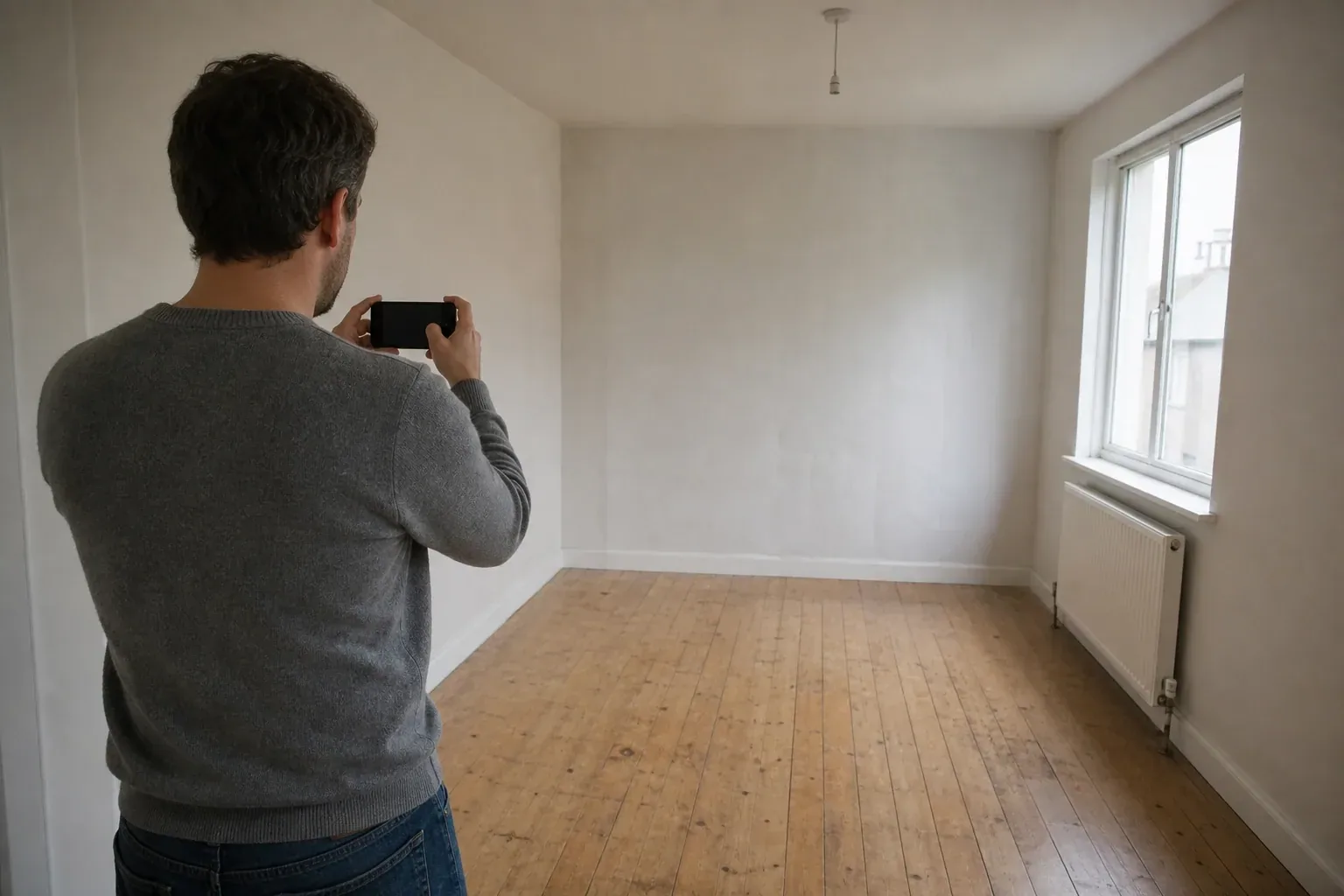
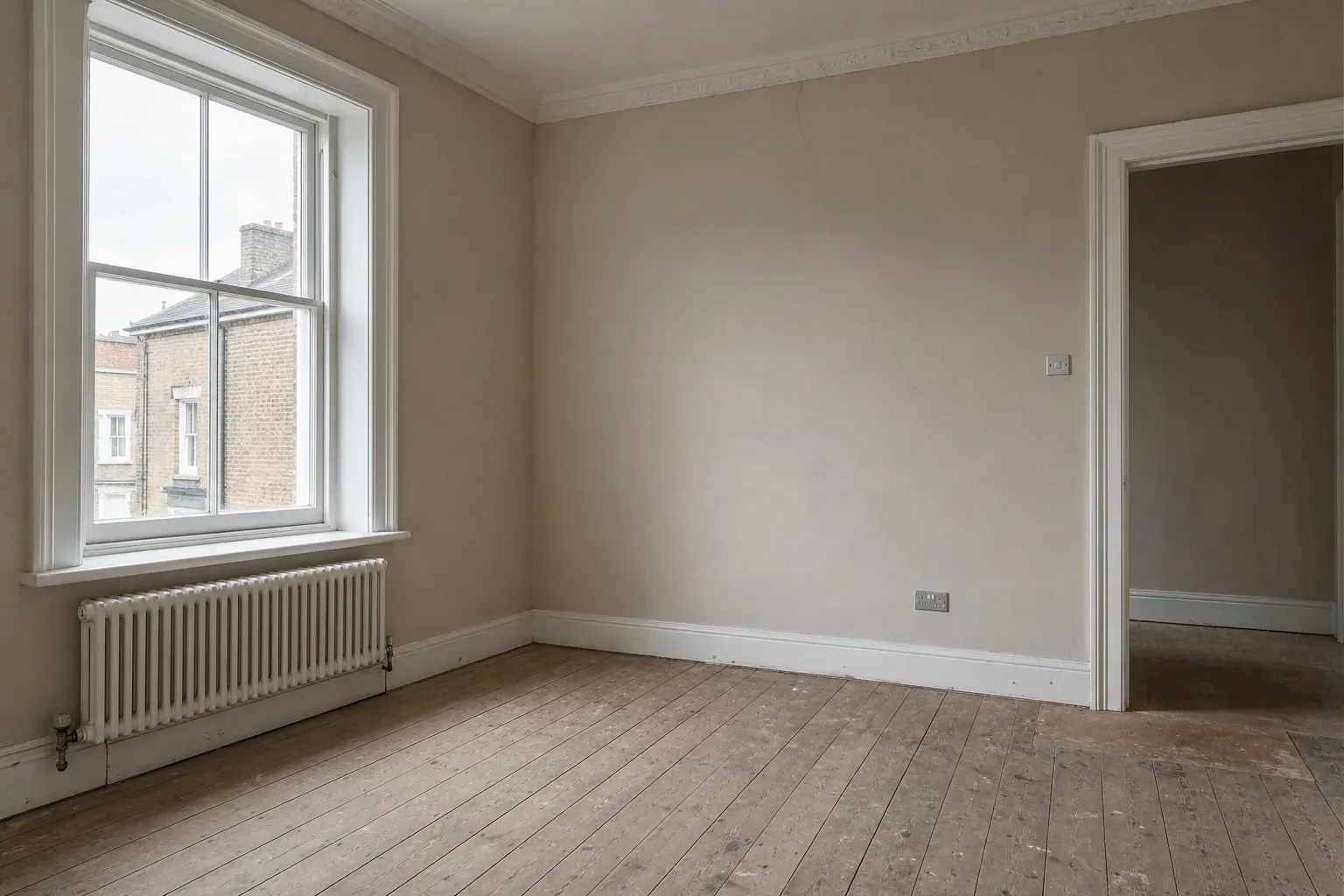
Photo-based tools do not draw from nothing. A studio like Interior Redesign re-renders the room in your photograph, so the prompt is a modifier applied to something that already exists: geometry, camera position, the light in the room when the shutter fired. That is why the photograph you feed it sets a ceiling on what any prompt can achieve.
Second, most prompts are built from category words. Modern, cozy, luxury, clean, inviting. Those describe how a person feels after seeing a room, not how to make one. Two designers arguing about whether a scheme is modern are comparing mental images they cannot show each other. A render model has the same problem and settles it by picking whatever was most common in training.
Third, almost nobody says what has to stay. The renderer does not know the fireplace is protected or that the client already bought the rug. Left unconstrained, every surface is fair game. A designer testing tools hands-on found one product had changed the orientation of the room entirely and another added extra windows and doors, which is disqualifying however good the pixels look.
You will also find confident writing about the exact order a model weights your words. None of these tools publish that, and anyone stating a fixed priority sequence is guessing. What is observable is simpler: prompts naming real surfaces and real constraints land closer to the brief.
The four-part template: subject, material, light, constraint
AI interior design prompts that actually work share the same four moving parts. Write them in this order, in plain sentences, and you can change one part next time without rewriting the whole thing.
Subject
One short clause naming the room and the job. "Restyle this living room." Not a description of the room you already uploaded, which the tool can see.
Material specifics
Three to six materials, each with a finish word. Oatmeal wool boucle. Wide-plank white oak, matte. Honed gray limestone. Unlacquered brass. This part does most of the work.
Light
Hour, direction, and which fixtures are on. "Late morning daylight from the left window, no lamps switched on, soft shadows across the floor."
Constraint
What must not change, then what must not be added. "Keep the fireplace, window positions and ceiling height as photographed. Do not add people or a second window."
Keep the constraint last and give it its own sentence. Constraints glued onto a material clause get ignored far more often than constraints standing alone. Repeat the important one at the end if the render keeps overriding it, though that is a workaround rather than a guarantee.
A useful working range is forty to ninety words. Nobody publishes a measured threshold and this is not one; the reason to stop there is diagnostic. Past ninety words you can no longer tell which phrase caused which change, so you lose the ability to improve the prompt at all. A 300-word prompt is not more precise. It is untestable.
Name the material, not the style
Modern is the least useful word in interior prompting. It has to cover Bauhaus tubular steel, 1950s teak, 1990s minimalism and the plaster-and-boucle look of the last five years. Every tool trained on a different mix of those, so the word carries no information. Delete it.
Replace it with materials, and give every material a finish. Oak is a category; wide-plank white oak with a matte finish is a surface. Brass is a category; unlacquered brass that will patinate is a surface. Finish is what light does when it hits the thing, so finish words carry the realism. Generated rooms otherwise come back uniformly satin.
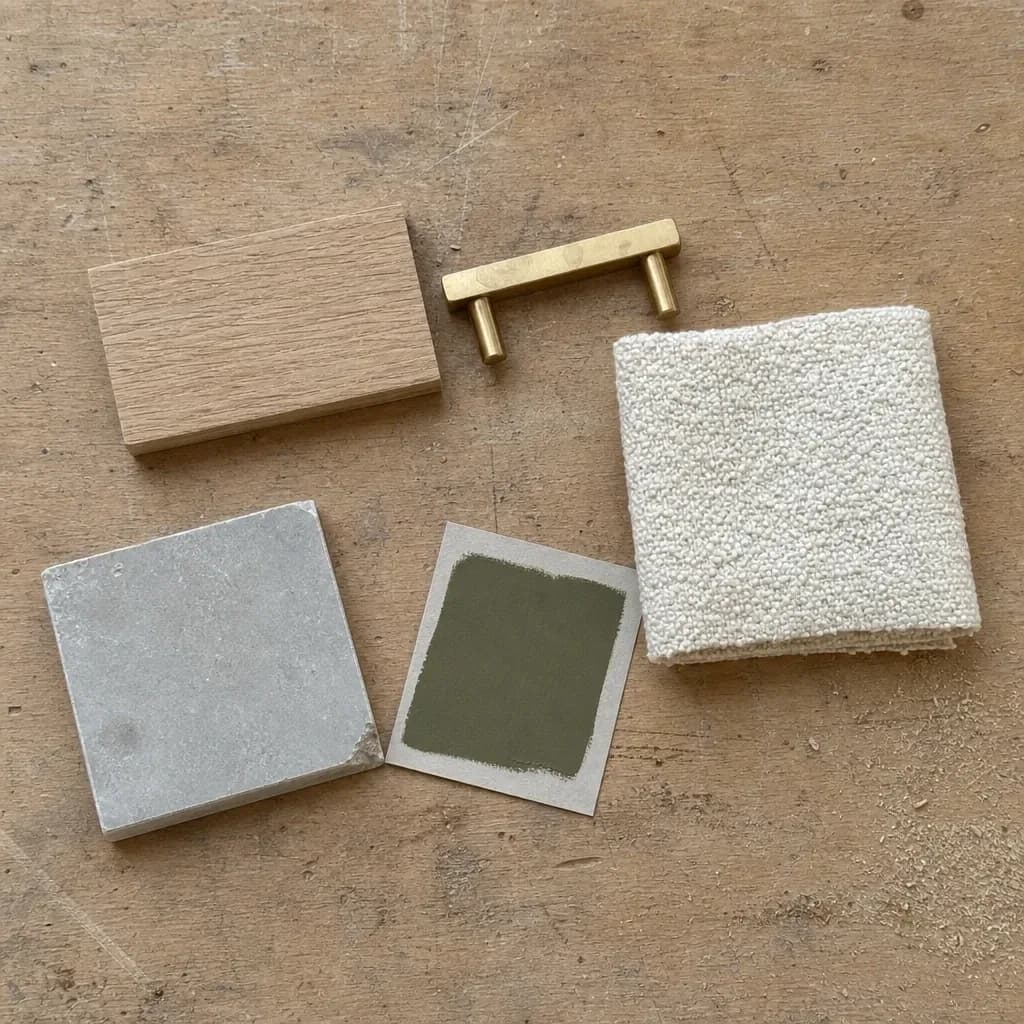
The rewrites below are the same jobs said in words a renderer can act on.
Weak prompts and their rewrites
| Weak prompt | Rewritten | Why the rewrite lands |
|---|---|---|
| modern living room | Living room with a low oatmeal wool boucle sofa, wide-plank white oak floor, plaster walls in warm off-white. Keep the fireplace and window positions. | Three surfaces and one constraint replace a word spanning a century of design. |
| make it brighter | Late morning daylight from the left window, no lamps switched on, soft shadows across the floor. | Brighter reads as more lamps and blown highlights. An hour and a direction give one coherent source. |
| luxury bathroom | Honed travertine on the wet wall, brushed nickel fittings, one round mirror. Keep the bath and basin where they are. | Luxury is a price signal, not a material. A renderer cannot price anything, so it guesses at gold. |
| cozy bedroom, warm, inviting | Wool throw folded at the foot of the bed, linen bedding with visible creases, walls in a mid-tone clay, one bedside lamp on at dusk. | Three overlapping adjectives compete. One light state and two textiles deliver what they pointed at. |
| add furniture | One three-seat sofa, one armchair, a low coffee table, a floor lamp. Nothing else. Leave the corner by the door empty. | Counting is the only reliable density control. "Nothing else" beats any style word. |
That last row is a negative prompt in disguise. Many photo-based tools give you one free-text box and no separate negative field, so exclusions go in as plain sentences at the end. Name the specific thing. "No clutter" is another category word; "do not add a second basin, a skylight, or a rug" is an instruction.
Light and furniture count are settings, not adjectives
Specify the hour, the direction, and what is switched on
Light changes how a render reads more than any other variable, and it is the one most people leave to chance. Late afternoon sun from the west gives long raking shadows and warm walls. Overcast midday from the north gives flat, even, honest color, which is what you want for a material decision. Pick one and mean it: bright morning light plus a lit pendant is two rooms at once.
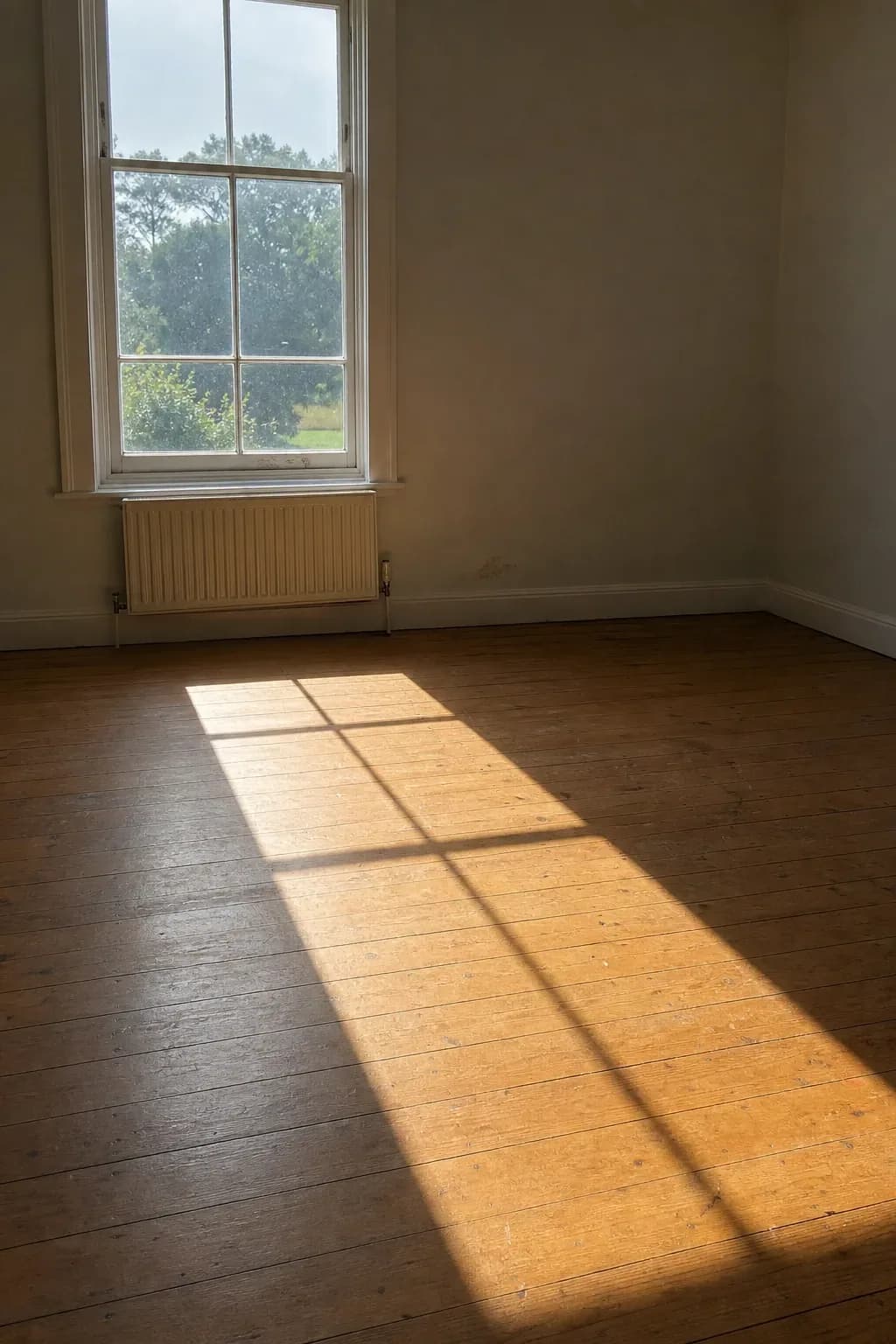
Ask for imperfection while you are there: creased linen, a rug slightly off-square, a worn timber threshold. New York regulators, warning buyers about AI listing images, put the tell plainly.
Real homes always have small imperfections.
New York Department of State, trend alert on AI-generated home listings, November 2025
Count the pieces you want
Renderers over-furnish. Left alone, a bedroom prompt returns a bed, two side tables, a bench, an armchair, a floor lamp, a plant and three cushions nobody specified. The fix is arithmetic. Name the pieces with numbers, close the count with "nothing else", and if a zone has to read as circulation, say it: leave the area in front of the double doors clear. An over-dressed render sells a scheme the budget cannot buy.
Preset style or custom prompt
These are different instruments. A preset is a fixed description someone else wrote and tuned; Interior Redesign carries 53 across 7 room types. A custom prompt overrides that with your own words. Presets stay consistent across a set of images. Custom prompts are precise about one thing and less predictable about everything else.
- Use a preset when the client named a style, when you need six directions in an hour, or when several rooms must read as one project.
- Write a custom prompt when a material is non-negotiable, when the client already bought a piece, or when a preset keeps changing something you need kept.
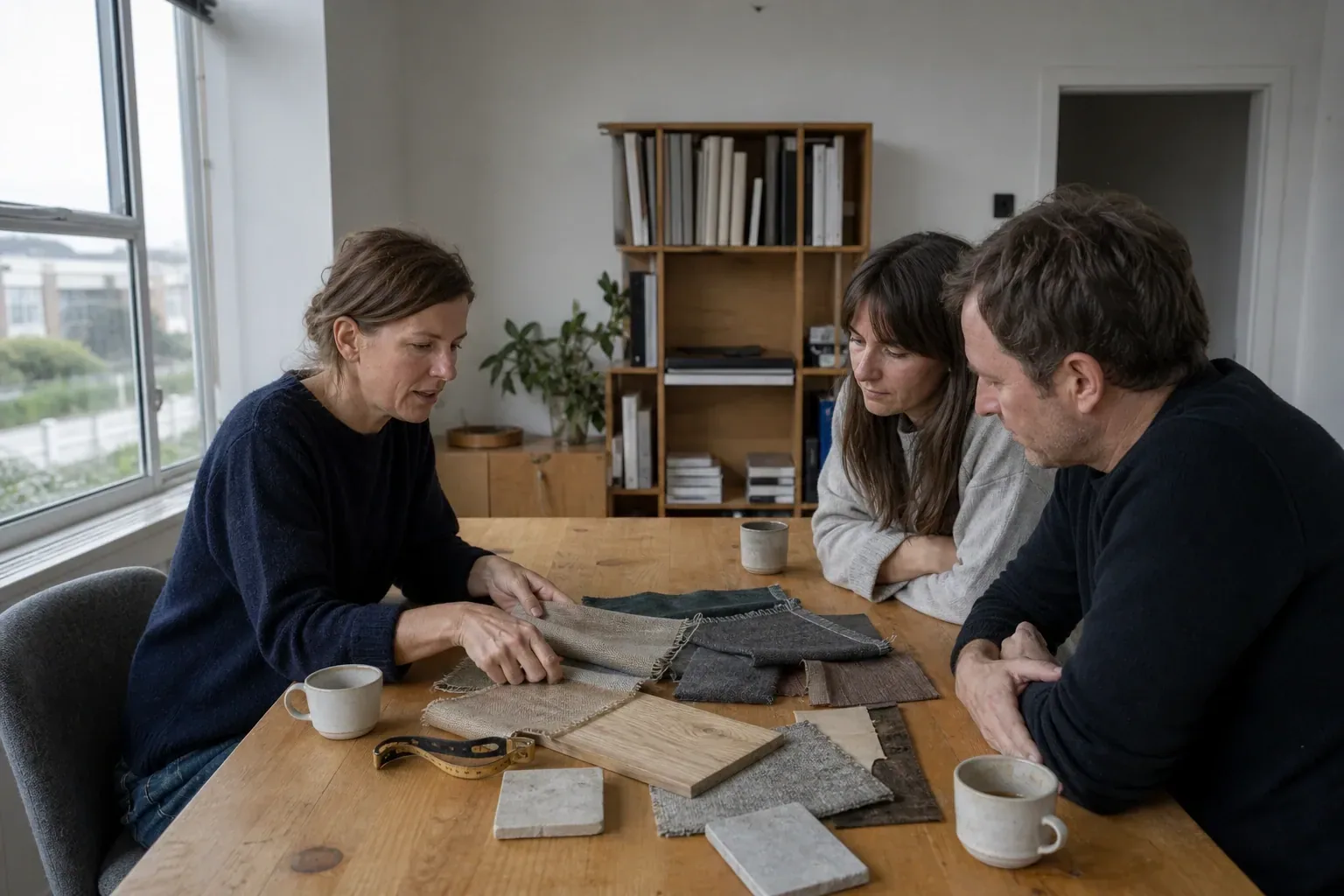
If you do not yet know the direction, prompting is the wrong stage to be at. Mood Boards is a guided wizard that turns one photo into moods you refine and integrate, a cheaper way to find the language than burning renders on guesses. With a direction agreed, the prompt becomes a short edit, and turning three variants into a client deck gets easier because the three share a structure.
Six prompts to copy and edit
Each follows the same four parts. Swap the materials for yours and leave the structure alone. The constraint clauses assume there is something in the shot worth protecting.
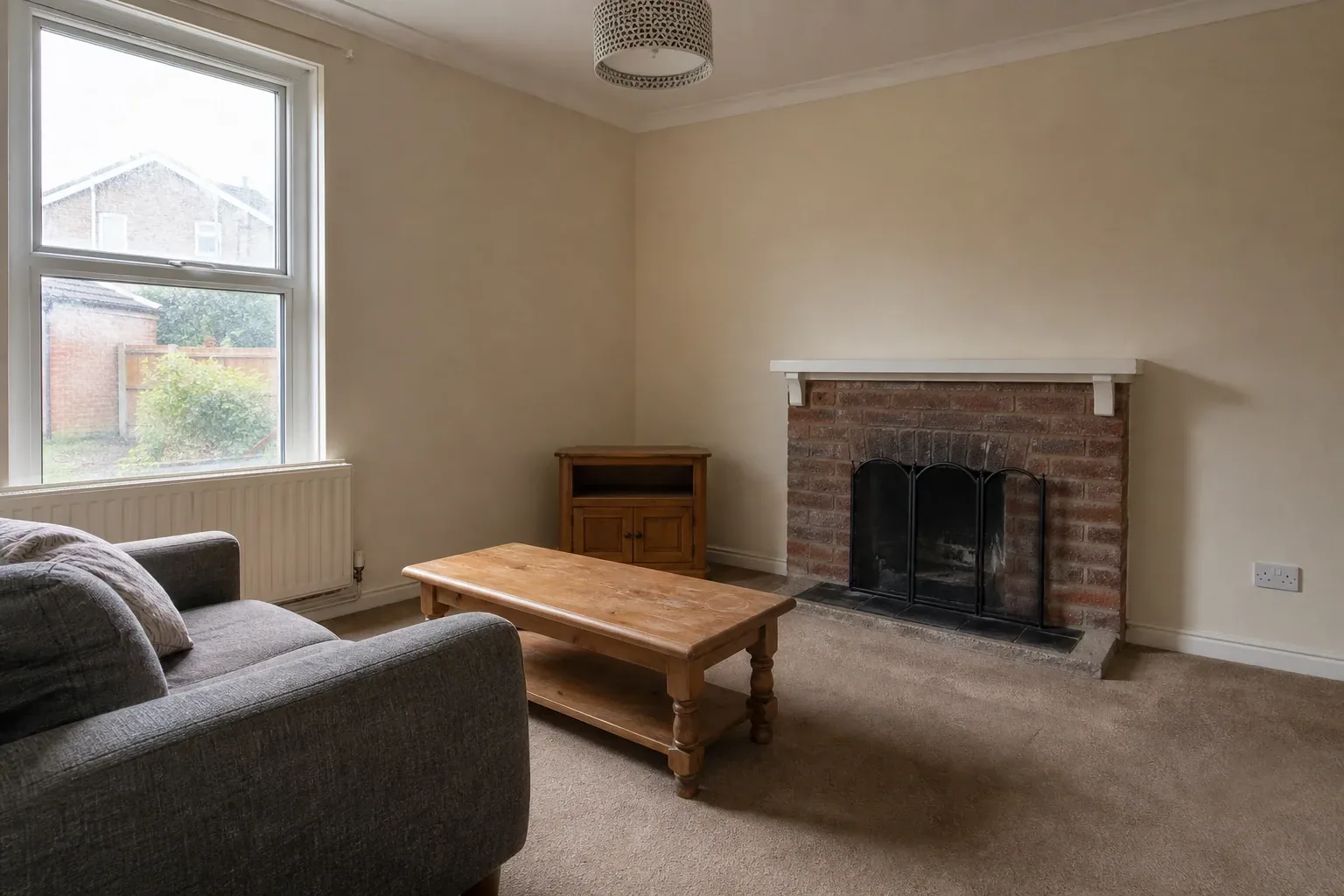
Living room, keeping a fireplace. Restyle this living room. Sofa in oatmeal wool boucle with a low profile, two lounge chairs in tan saddle leather, wide-plank white oak floor with a matte finish, plaster walls in warm off-white, one undyed wool rug. Late morning daylight from the left window, no lamps switched on, soft shadows across the floor. Keep the fireplace, the window positions, the ceiling height and the door on the right exactly as photographed. Do not add people, a second window, or a ceiling light.
Primary bedroom, overcast light. Restyle this bedroom. Low platform bed in solid walnut, white linen bedding with visible creases, one folded gray wool throw, bedside tables in the same walnut, unlacquered brass reading lights fixed to the wall, wide oak floorboards. Overcast afternoon light from the window on the right, no direct sun, no ceiling light on. Keep the window, the radiator beneath it, the wardrobe doors and the room proportions unchanged. Do not add a second window or extra cushions.
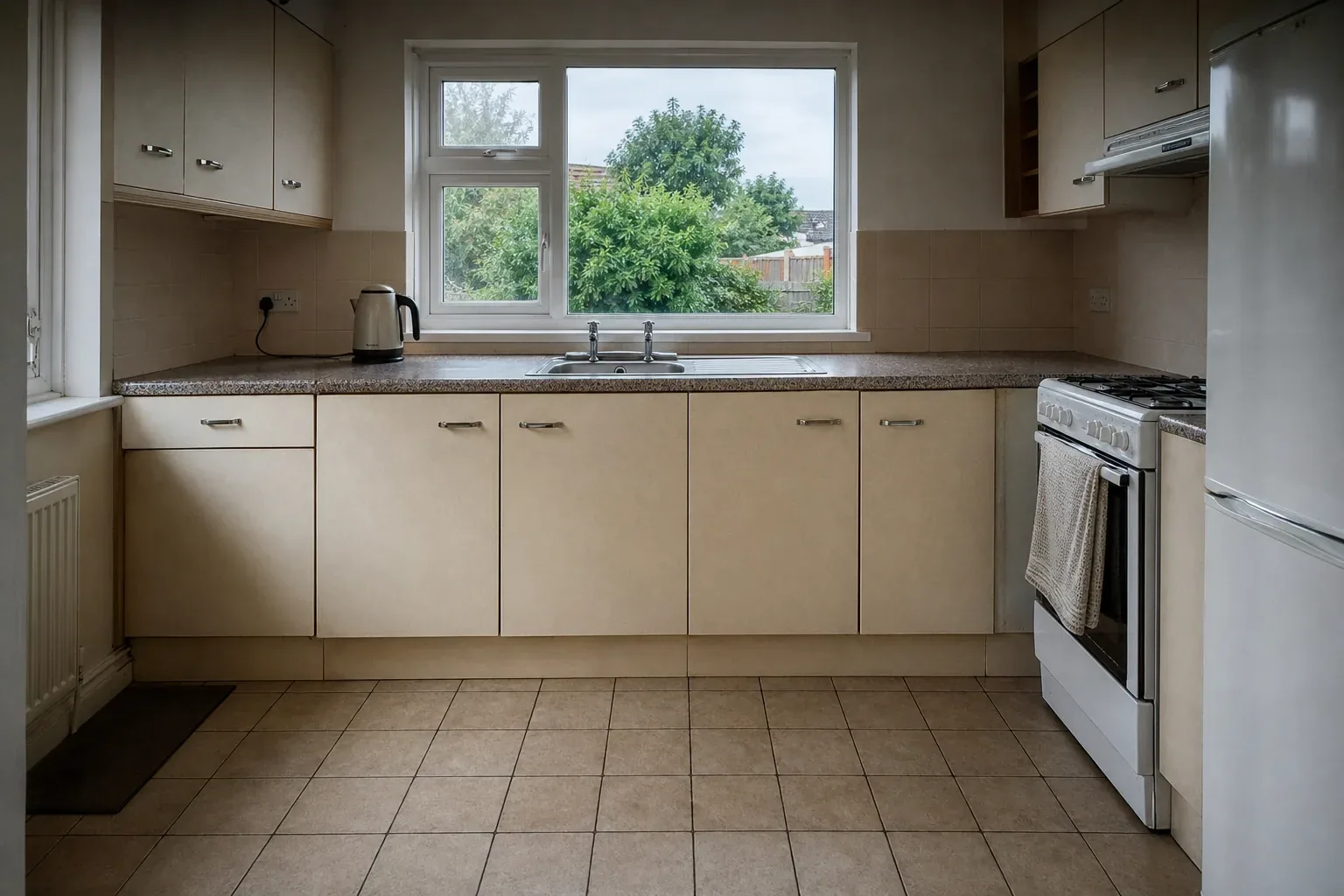
Kitchen, appliances staying put. Restyle this kitchen. Shaker cabinet fronts in deep matte olive with slim unlacquered brass bar pulls, honed gray limestone worktop with a square edge, hand-glazed white zellige splashback laid straight, existing stainless appliances left in place. Bright midday light from the window over the sink, no artificial lights on. Keep the cabinet layout, the appliance positions, the window and the doorway exactly as photographed. Do not move the sink, add an island, or change the floor.
Home office, low winter sun. Restyle this home office. Desk in solid ash with a rubbed oil finish, one task chair in dark green wool, open shelving in the same ash holding books and two ceramic pieces, walls in a mid-tone clay paint, sisal rug. Low winter sun from the left, long soft shadows across the floor, desk lamp off. Keep the window, the radiator, the door and the floor level unchanged. Do not add a second desk or shelving above the window.
Small bathroom, fixtures fixed. Restyle this bathroom. Floor-to-ceiling honed travertine on the wet wall, remaining walls in warm microcement, brushed nickel fittings, one round mirror, a single folded waffle towel. Diffuse daylight through the frosted window, no ceiling spotlights on. Keep the bath, toilet and basin exactly where they are, and keep the window and ceiling height. Do not add a shower screen, a second basin, a skylight, or a plant.
Dining room, evening scheme. Restyle this dining room. Round pedestal table in solid oak with a matte finish, four chairs upholstered in rust mohair, one linen pendant hanging low over the center of the table, walls in a chalky deep green, existing floorboards left as photographed. Early evening light from the left window with the pendant switched on, warm pools of light and soft shadow in the corners. Keep the window, the doorway, the skirting and the ceiling unchanged. Do not add a rug, a sideboard, or wall art.
The pattern is the point: one clause of subject, a run of materials with finishes, one sentence of light, two of constraint. No adjectives doing emotional work, no instructions about quality or realism.
What a prompt cannot fix
Chaos, the company behind V-Ray and Enscape, has no commercial reason to talk down its own market and says it anyway: AI tools can misjudge space, distance, and ergonomics, miss constraints like accurate measurements and available materials, and produce proportions that in their words are sometimes physically impossible to build. Their conclusion is that output should be reviewed by a designer before it goes near a client.
The hands-on review cited earlier found bedding rendered badly across multiple tools. Bedding is genuinely hard: soft, folded, self-shadowing, no straight edge to anchor to. That is why the bedroom prompt names linen with visible creases, handing the model something concrete instead of a vague idea of a made bed.
The things prompts reliably fail to protect are geometric:
- Slim glazing bars and mullions, which get thickened, straightened or invented
- Sloped and vaulted ceilings, which drift toward flat at a plausible height
- Mirrors, which reflect a room that does not match the one in front of them
- Door and window positions, which migrate when the model prefers a different composition
- Anything narrow and repeated: balusters, spindles, grout lines, cane webbing
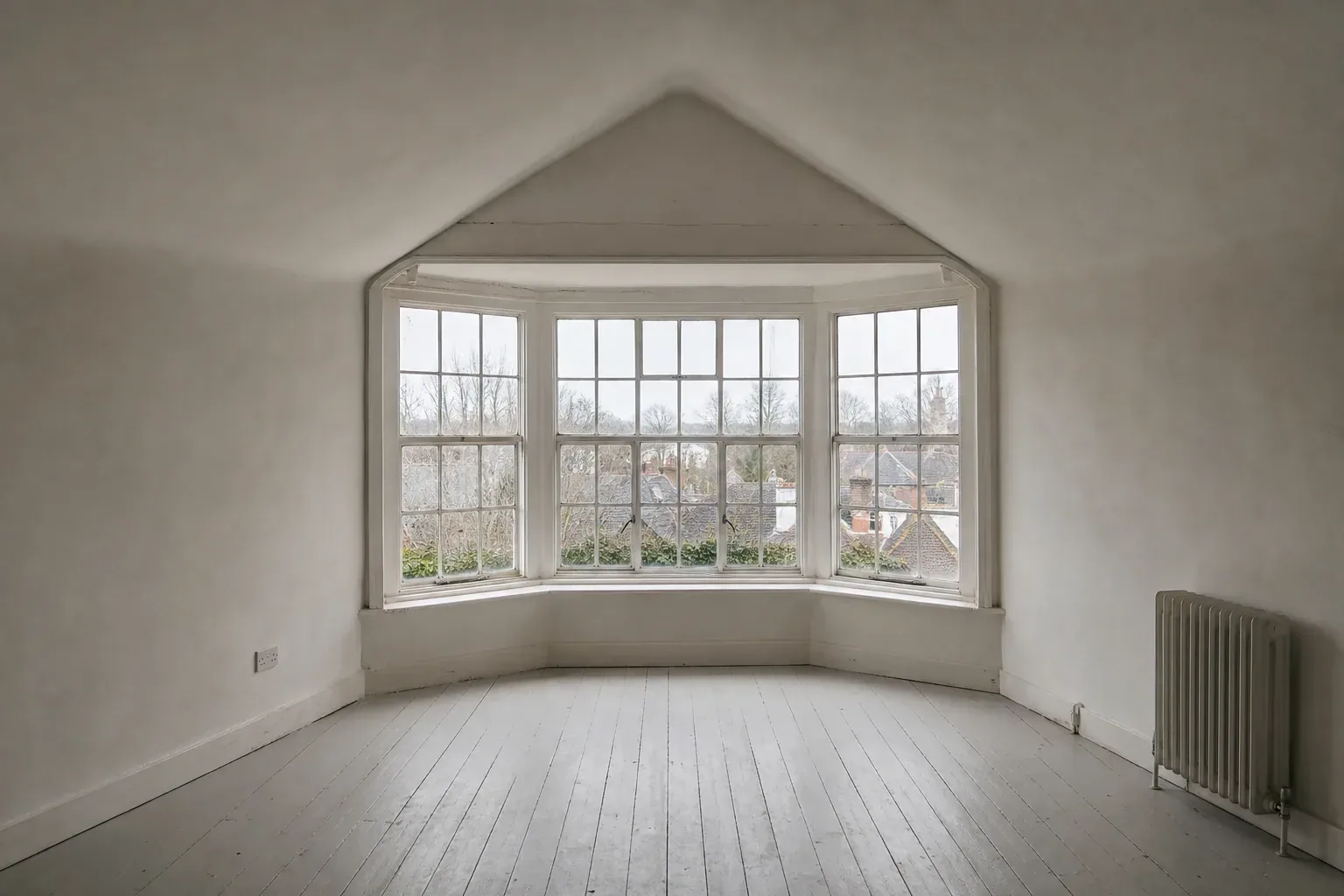
There is one more limit, and it catches people out on the second image rather than the first: a prompt cannot carry a scheme across camera angles. Each render is a fresh sample rather than a saved model of the room, so the same wording shot from the doorway can return a different sofa fabric, a rug that lost its border, and a pendant with an extra arm. Showing a room from two angles is a consistency problem, not a prompting problem, and no amount of rewording solves it.
When a whole-room prompt keeps breaking one element, stop rewriting it. The tool for that job is a brushed region: masked, selective edits through Inpaint Edit re-render only what you paint over. Five words on a masked area beat ninety steering the whole frame.
Change one thing at a time, and keep a log
Most people never get better at prompting because they rewrite the whole prompt after every render. Six things changed, the image improved, nothing was learned. Work the other way.
- Render the four-part prompt once, exactly as written, and keep the result even if it is poor.
- Change one clause. Only one: materials, or light, or the count, never two together.
- Render again and compare against the previous image, not the picture in your head.
- Keep the version that moved in the right direction. Note which clause you changed.
- Stop when the render stops improving. Two more attempts rarely beat one masked edit.
Log every render a client reacted to. Five fields are enough: source photograph, mode, style preset, exact prompt text, date. The value shows up in month four, when a client wants the bedroom scheme from the first project applied to a new one.
Be honest about what the log buys you. It returns you to the same territory, not the same image. These models sample from noise, so identical text does not guarantee an identical render. Treat the approved export as the artifact: enhance or 4K upscale it, save it, and do not assume you can regenerate it.
NAR reported that 46% of members use AI-generated content while only 17% see a significant positive impact and 46% notice no difference at all. That spread is not about model quality. It is about running one prompt, getting one mediocre image, and concluding the tool does not work. The Chaos and Architizer visualization survey shows the same shape from the other side: 43% of firms name slow rendering a top challenge while only 11% actively use AI in visualization. Structure is the difference between a prompt list and AI interior design prompts that actually work.
Common questions
- How long should an AI interior design prompt be?
- Treat forty to ninety words as a working range rather than a measured rule. Shorter leaves the materials to the model; longer and you cannot tell which phrase caused which change, so you cannot improve it. A prompt running long is usually doing three jobs at once. Split it and render twice.
- Do negative prompts work for interior rendering?
- Named exclusions work better than general ones. "Do not add a ceiling fan, a second doorway, or wall art" outperforms "no clutter", because the first names objects and the second names a mood. Where there is no separate negative field, give the exclusion its own sentence at the end instead of appending it to a material clause.
- Should I use a preset style or write my own prompt?
- Preset when the client named a style, when you need several directions quickly, or when multiple rooms must read as one project. Custom prompt when a material is non-negotiable or a preset keeps altering something you need kept. Interior Redesign carries 53 presets across 7 room types alongside the custom box.
- Why does the same prompt give me a different room each time?
- These models sample from random noise, so identical text does not produce an identical image. Logging the prompt returns you to the same design territory, not the same picture. When a client signs off, export at full quality and keep the file rather than planning to regenerate it.
- Can I write custom prompts on the free plan?
- Custom prompt mode and advanced realism are Starter features. The free plan gives you 3 trial credits with no card, standard interior renders and watermarked exports. Starter is $9 a month for 30 credits, watermark-free, with a commercial-use license and unused credits rolling over while you stay subscribed. Detail is on the pricing page.

Written by
Axisnook Editorial Team
Design visualization writers at Axisnook
The team that builds and supports Axisnook, writing from the render queue rather than the press release.
- Interior and exterior design visualization
- AI render workflows and prompt design
- Client presentation and revision process
- Real-estate listing and virtual-staging disclosure